
Loading…
Loading…
Loading…
Loading…NSFW AI Clothes Remover | Yamete AI
LiveJudge the transformation, not an approximation
While reviewing an NSFW AI clothes remover result, the preview keeps the source and target in the same decision space so you can verify identity, body placement, framing, and the requested clothing state before generation.
Loading…
Loading…
Loading…
Loading…Every material leaves evidence
Across the NSFW AI clothes remover workflow, straps stretch, hems travel, folds collapse, mirrors repeat the action, and wet cloth behaves differently from dry fabric. Those details make a reveal feel physically connected.
Fixed-camera 15-second undress to lingerie
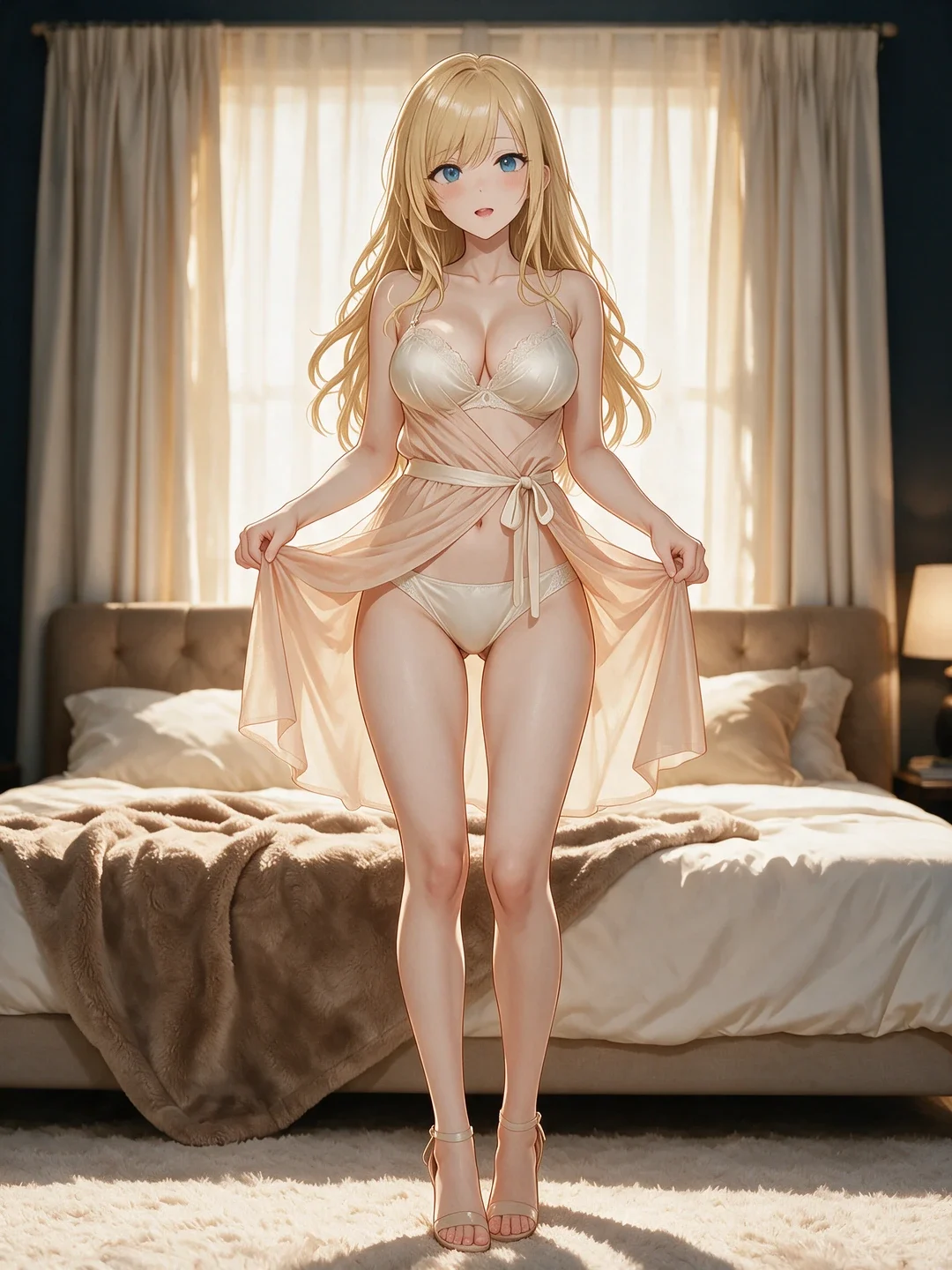
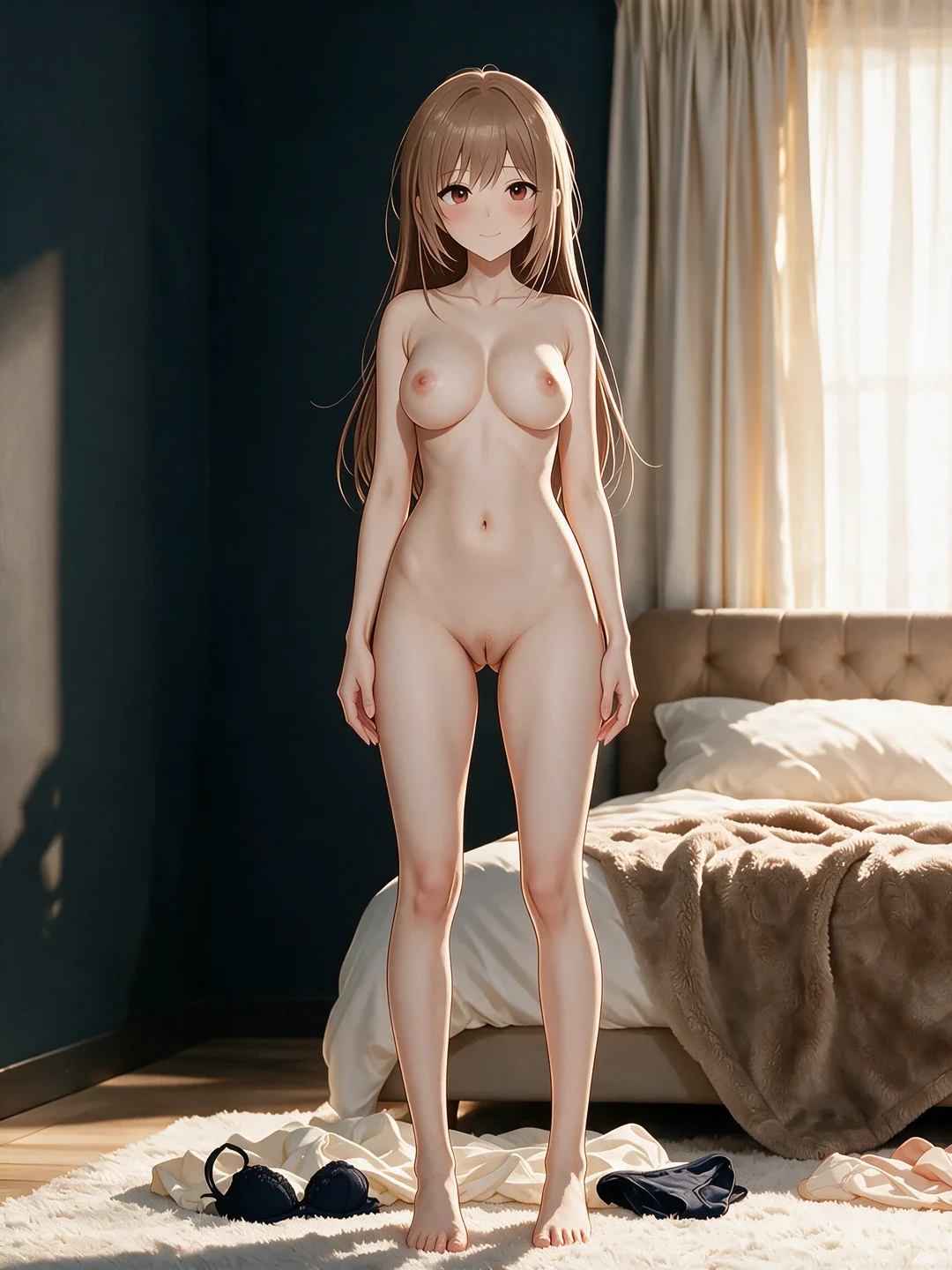
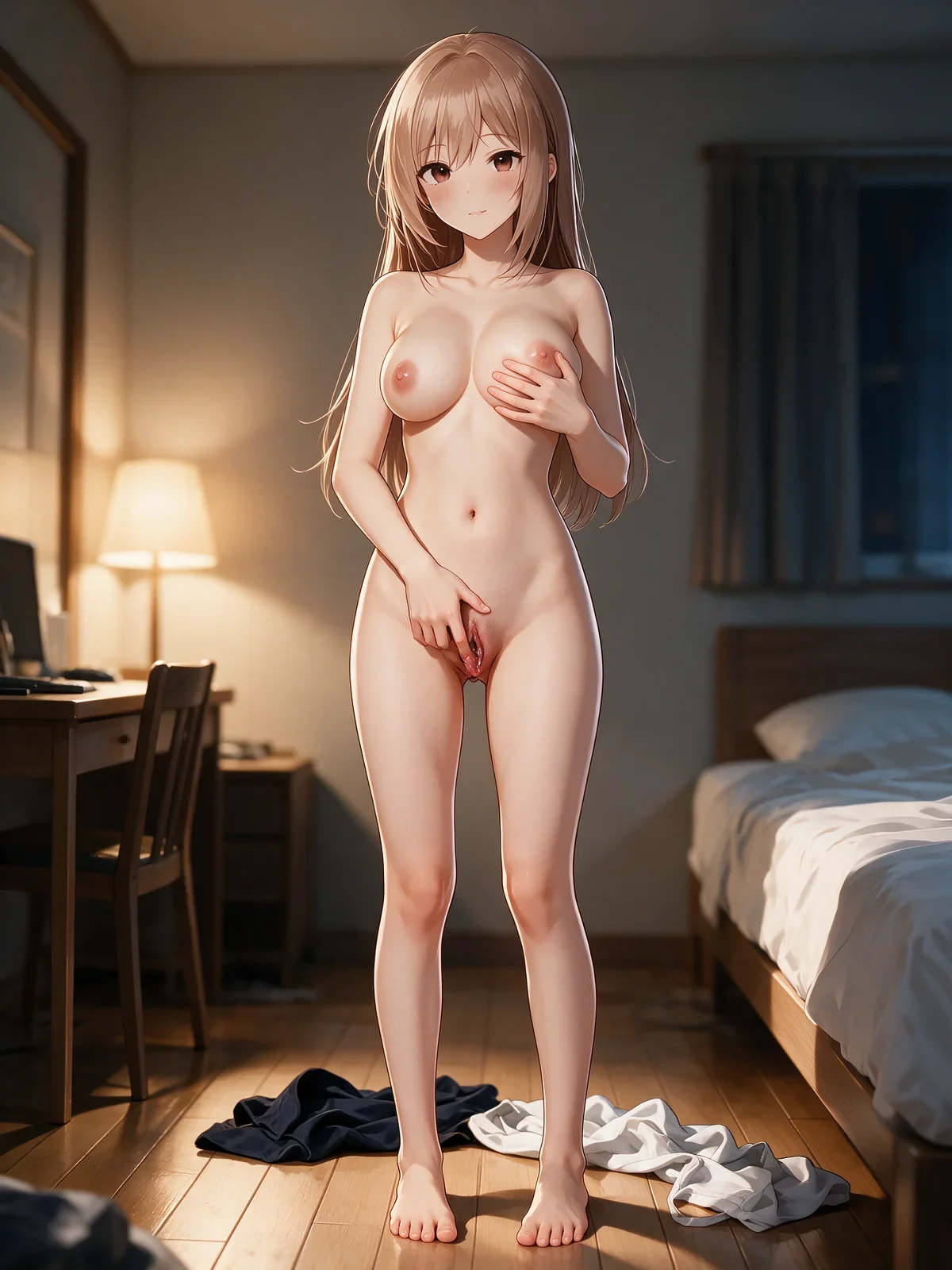
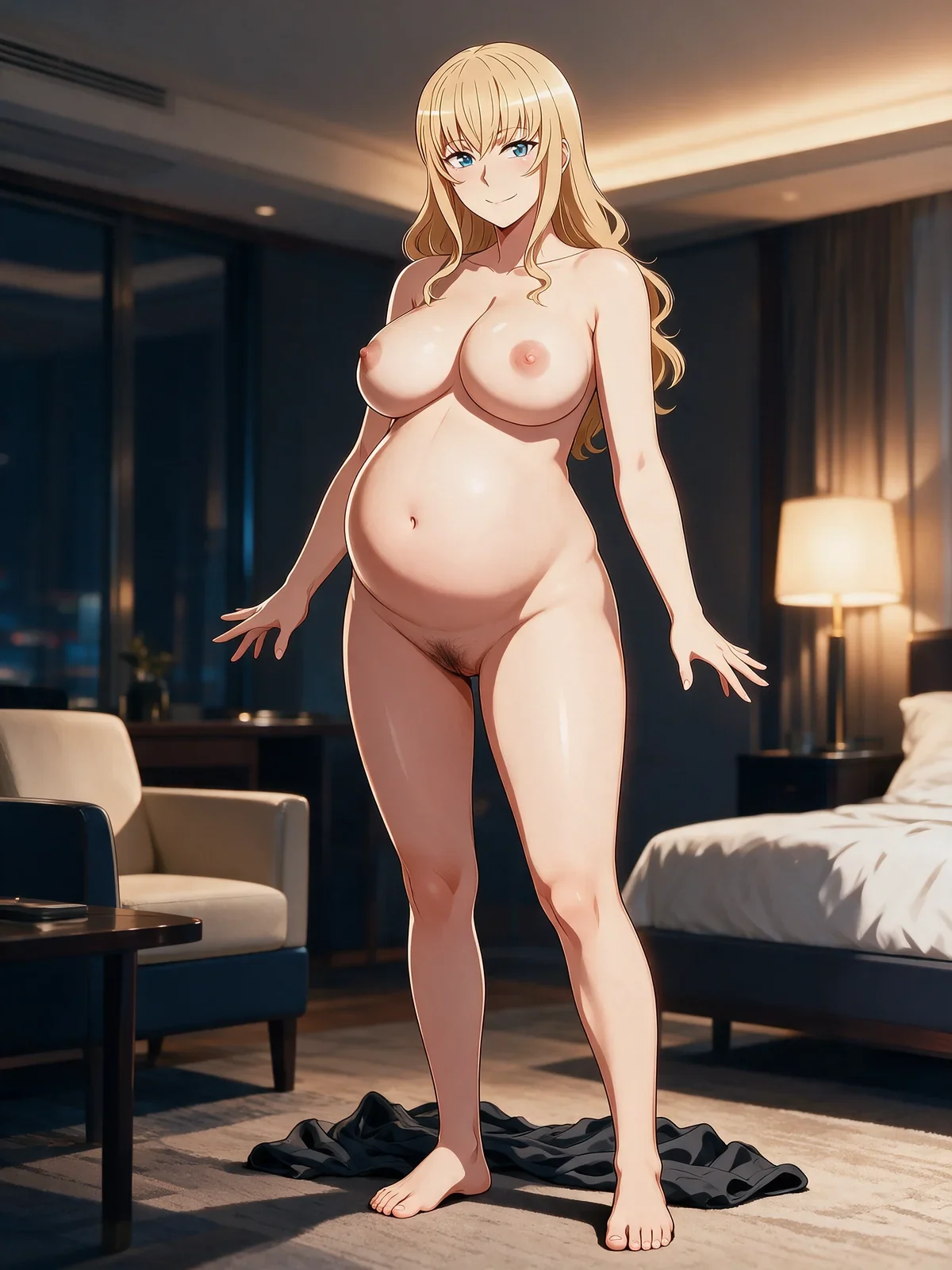
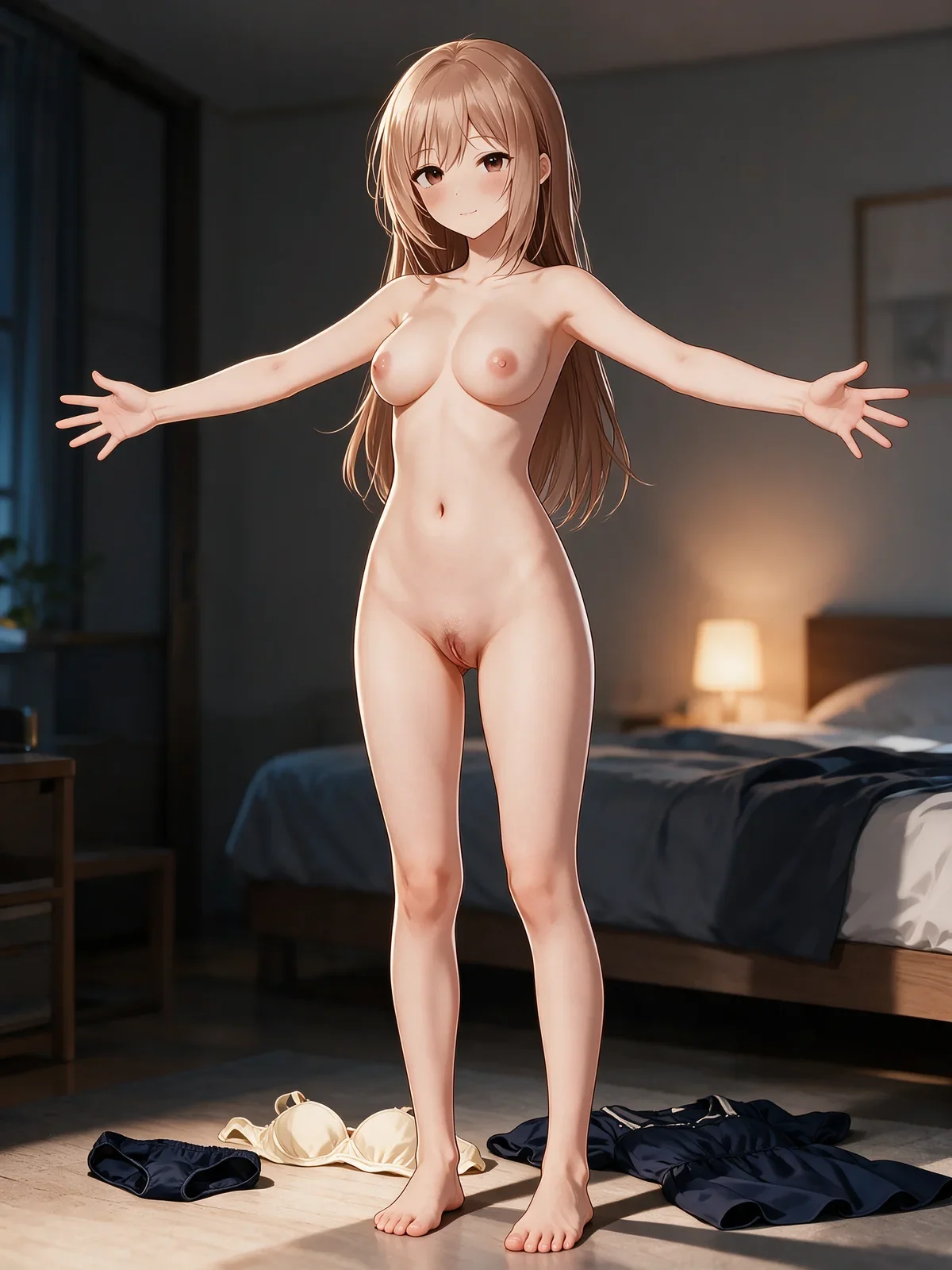
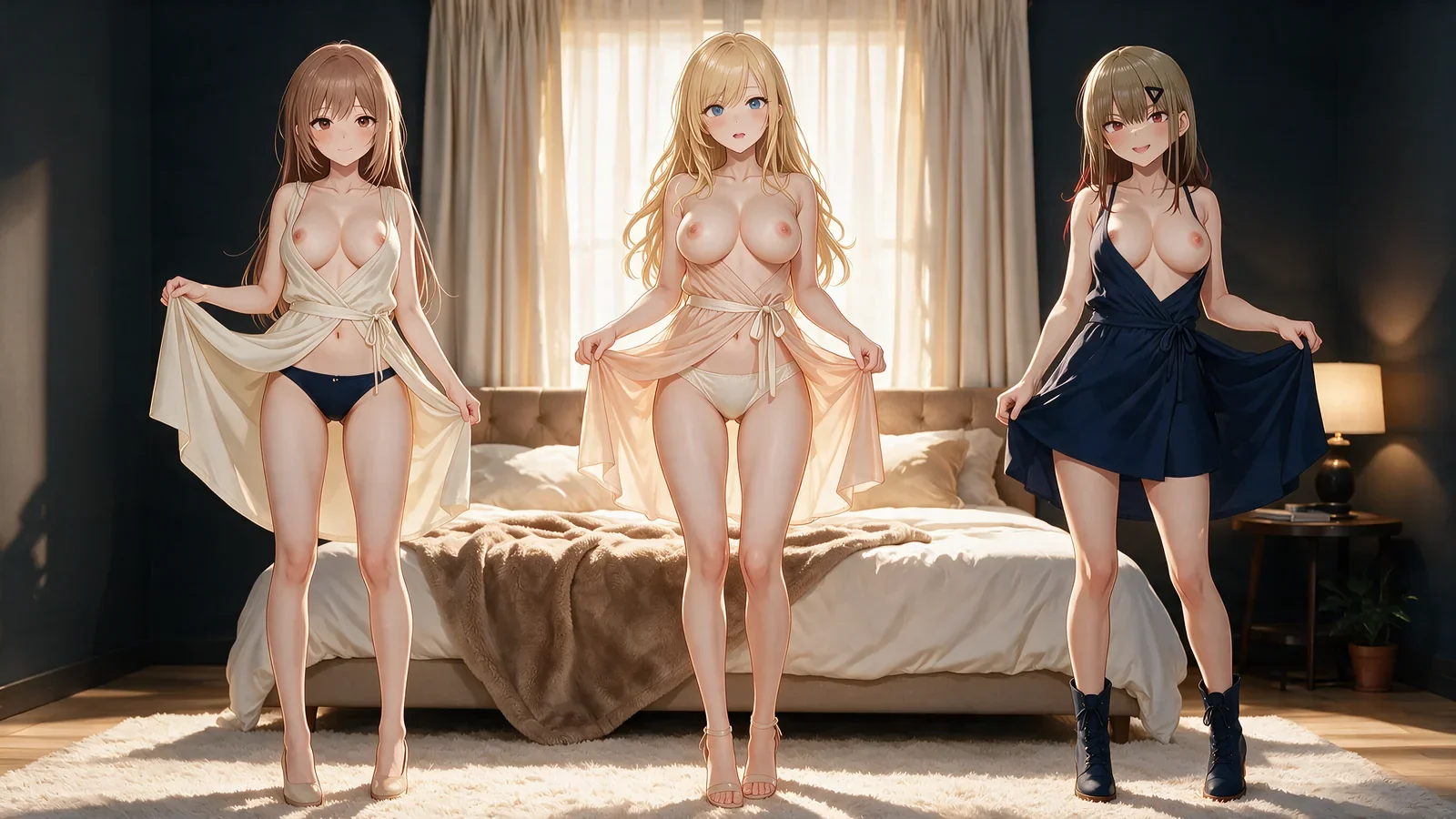
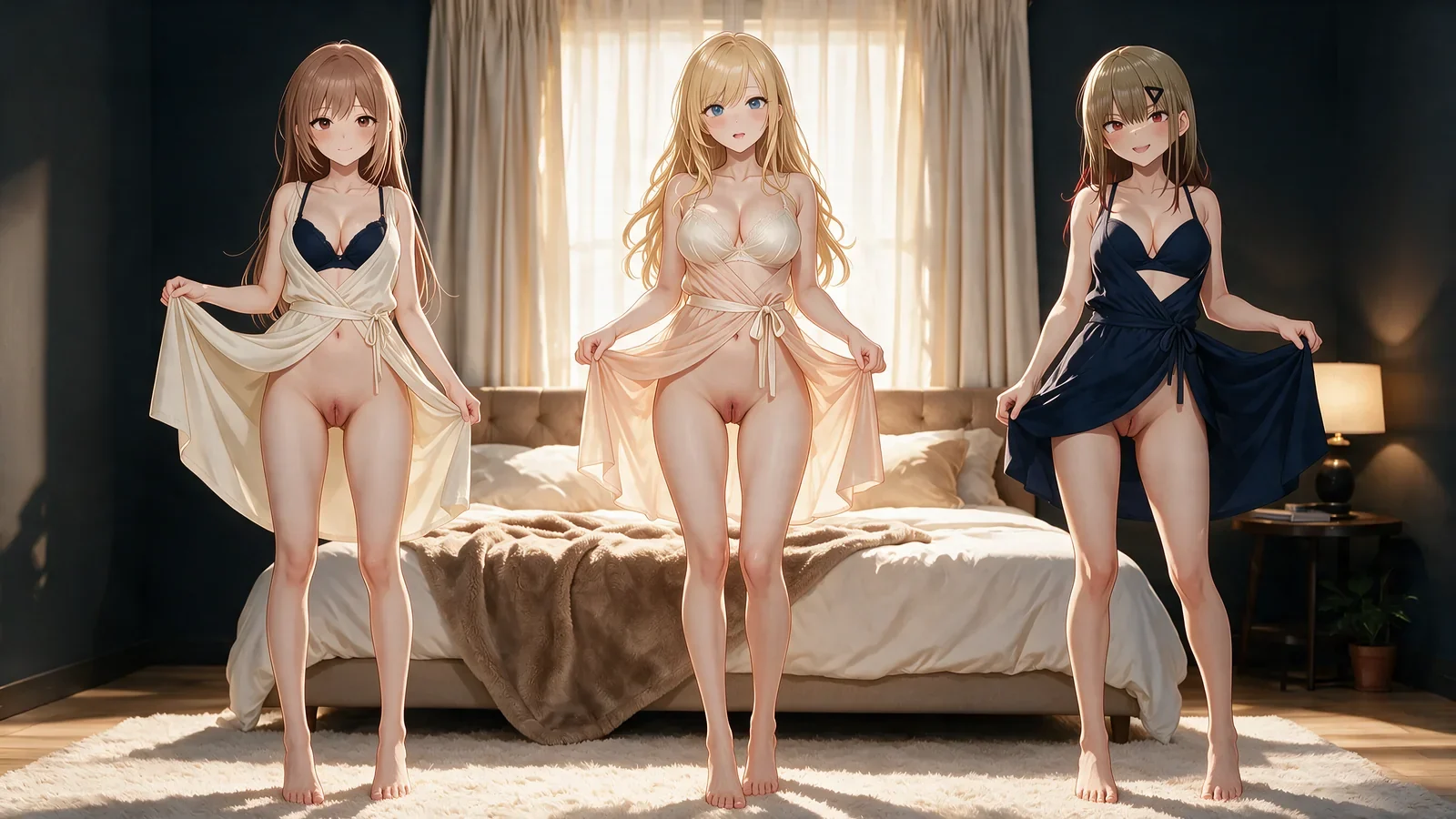
An AI clothes remover video shows the robe leaving the body, distinct floor placement, and a stable end state in opaque lilac lingerie.
Lateral 15-second undress to lingerie
This AI clothes remover example shows two upright steps, ordered jacket, camisole, and skirt paths, and a stable end state in wine-red lingerie.
A surgical still-image edit
Hold identity and composition steady, isolate the garment change, and name a final state that can be checked directly against the source.
Loading…A reveal with readable timing
Use duration and ordered clothing beats to show contact, motion, release, and settling instead of skipping from dressed opening to disconnected endpoint.
Loading…The result begins with an explicit before and after
For the NSFW AI clothes remover, a reliable edit states what belongs to the source and what is allowed to change. Lock face, hair, body proportions, composition, pose, hands, camera, lighting, and environment; isolate the garment and final clothing state as the transformation target.
Inside the NSFW AI clothes remover workflow, motion adds a path between those states. Contact, tension, release, fabric travel, body clearance, and the settled ending must read as one action rather than a jump between unrelated frames.
Route the source through the right production method
When directing the NSFW AI clothes remover, for a still, choose image edit or an image-to-video path and supply the source that route requests. KIE I2V can start from a first frame or continuation clip; R2V works from references; Video edit begins from an existing source video. Required-media checks stop an incomplete submission.
Before submitting a NSFW AI clothes remover job, after routing, define the target as partially opened, lingerie, topless, bottomless, or fully nude. For video, order the visible beats and tune duration, resolution, audio, negative prompt, Prompt Extend, and Professional-mode Seed before reviewing the quote.
Wardrobe-state continuity sheets
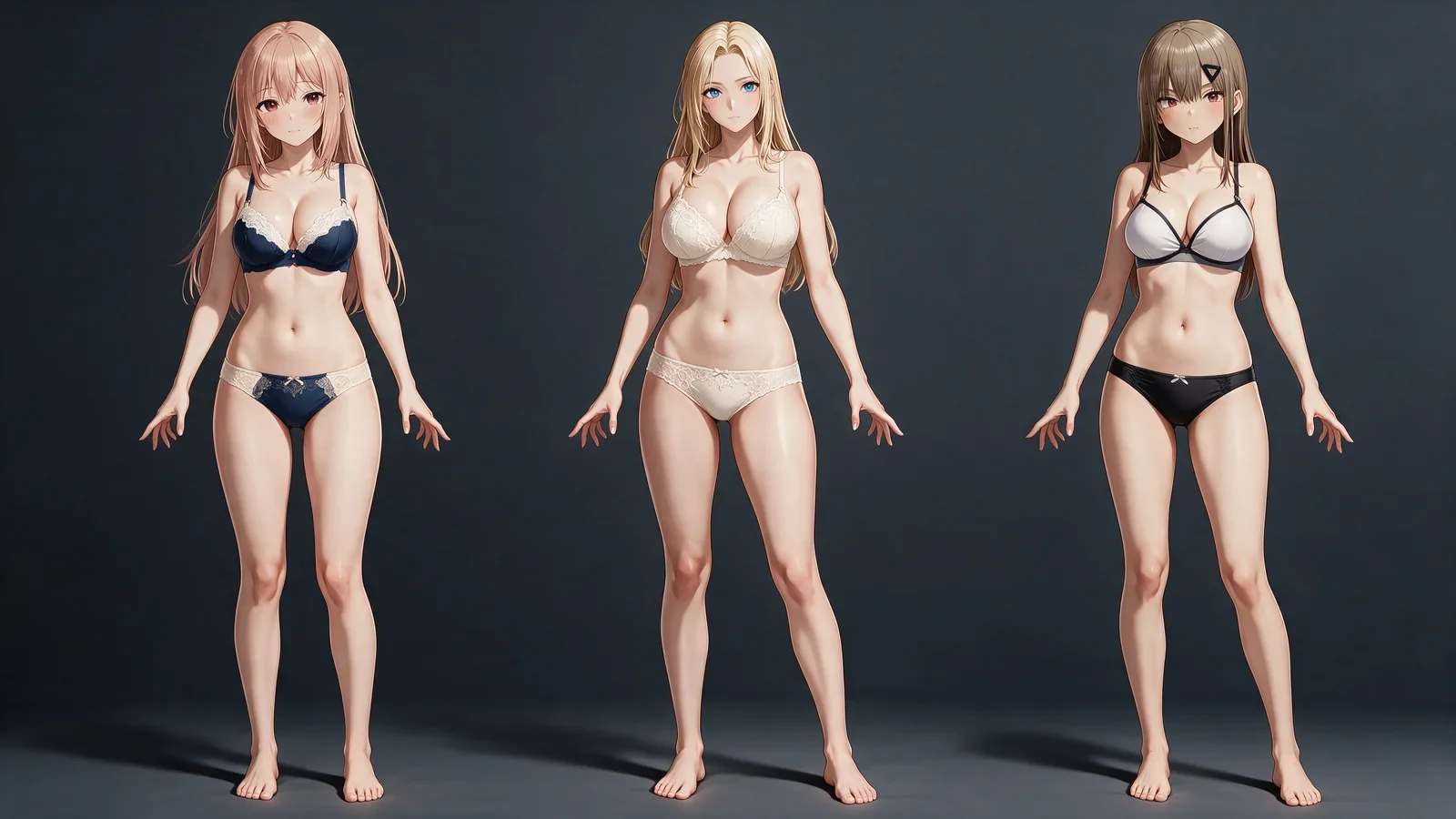
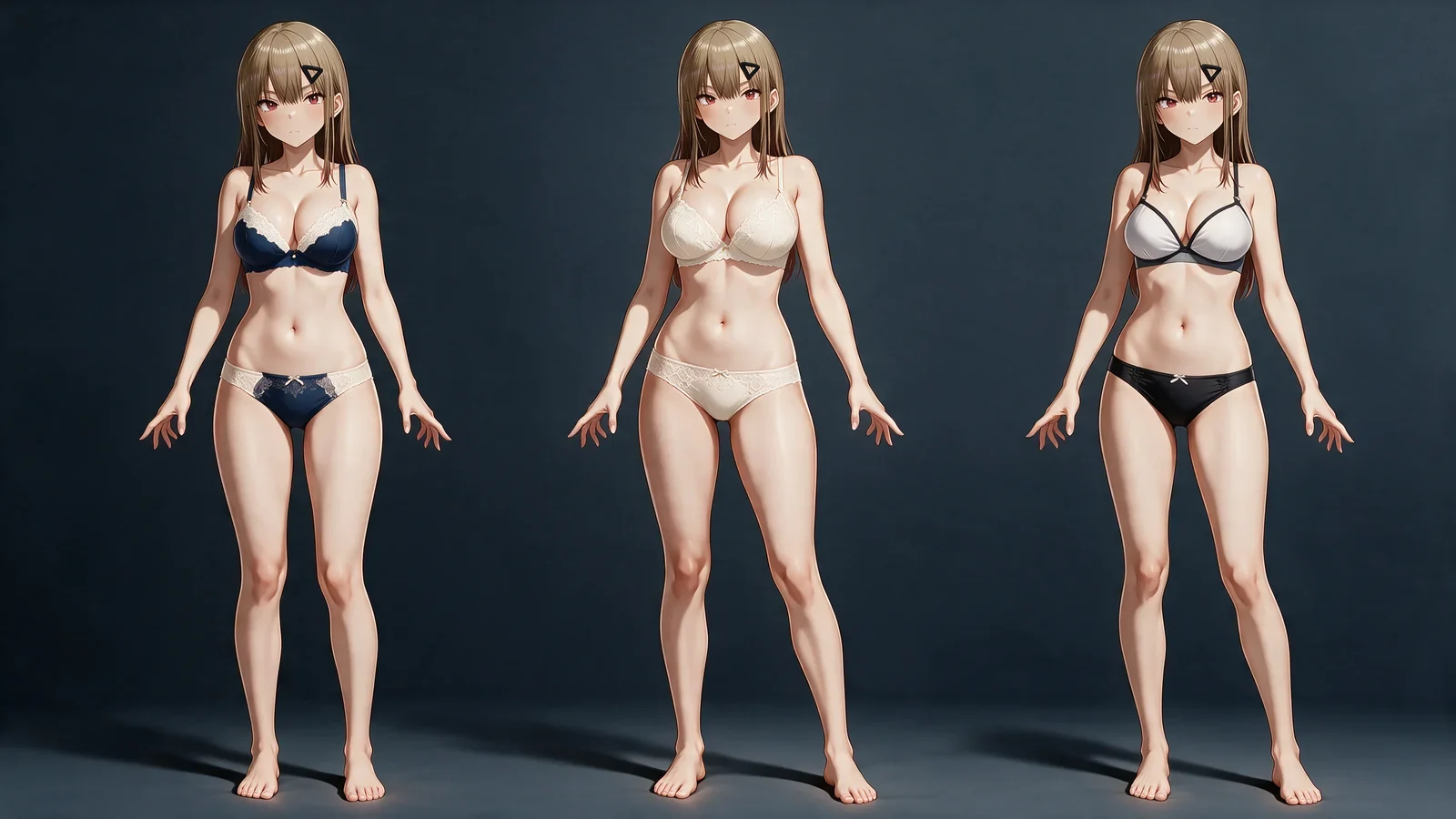
For the NSFW AI clothes remover, produce controlled dressed, opened, lingerie, partial, and nude states while checking that one recognizable subject remains intact.
Source-to-target image edits
Inside the NSFW AI clothes remover workflow, hold pose, camera, lighting, and location while directing one precise change to the visible garment state.
Continuous undress performances
Turn a source image or clip into an ordered intimate action with visible hand contact, garment travel, body movement, and an intentional finish.
Reviewable transformation briefs
Convert an imprecise request into a method, required input, target state, continuity locks, technical settings, and an auditable pre-submit preview.
Four decisions before the reveal runs
Choose the transformation route
Select Image edit, Spicy I2V, KIE I2V, R2V, or Video edit according to the media you have and the output behavior you need.
Loading…Attach the required source
Provide a source image, first frame, continuation clip, references, or source video as required by the selected method.
Loading…Describe the visible destination
Select the clothing-state preset, state what must be preserved, and add the intermediate garment behavior when the output moves through time.
Loading…Inspect the submitted configuration
Review preview, output controls, limits, and quote so the method, source, final state, and technical settings match the intended job.
Loading…
Explore more on Yamete AI
Keep creating across Yamete AI — images, video, characters, and more features as the studio grows.
Loading…Create explicit anime and hentai images with prompt, pose, clothing, camera, and style control.
Loading…Use the Porn AI Video Generator for NSFW content to turn a first frame into explicit anime video with action, camera, duration, and sound control.
Loading…Create a reusable NSFW AI girlfriend profile and a 1024×1280 first portrait for later adult scenes.
Loading…
Loading…Swap an anime face onto a source performance while preserving identity, motion, framing, and timing.
Loading…
Loading…Remove clothes in an image or video while preserving identity, body, pose, motion, and framing.
Frequently asked questions
01Is the NSFW AI clothes remover live for both stills and motion?
Yes. Choose an image or video route, add its required source, define the target clothing state, and review the preview and settings before submitting.
02How does the selected method change the required media?
Image edit and Spicy I2V begin with an image. KIE I2V accepts a first frame or continuation clip, R2V accepts image or video references, and Video edit requires a source video.
03Which controls apply to a single edited image?
You can set the destination clothing state, protect source identity and composition, and open Professional mode when a fixed Seed is needed.
04Which controls shape the moving version?
Video exposes clothing-state progression, duration, resolution, negative prompt, audio, Prompt Extend, and Seed inside Professional mode.
05What makes a target state unambiguous?
Identify the opening garment, any partial transition that must remain visible, and the exact lingerie, topless, bottomless, or fully nude endpoint.
06Which details connect the removal beats?
Track hand placement, fabric tension, direction of travel, folding or stretching, clearance from the body, and the garment's final location.
07How can the shot avoid camera drift?
Keep one camera plan and preserve screen direction, lens behavior, body position, eye line, and environmental parallax across the transition.
08Do the editorial examples expose anyone's private jobs?
No. The page uses editorial clothing-state demonstrations rather than media from personal generation history.
Make every NSFW AI clothes remover transition as specific as its ending
Choose the correct media route, lock what belongs to the source, direct the clothing path, and approve the exact settings that will be submitted.
Set up the reveal