
 Loading…
 Loading…
AI NSFW Image Generator | Yamete AI
LiveJudge the AI NSFW image generator result as a finished frame
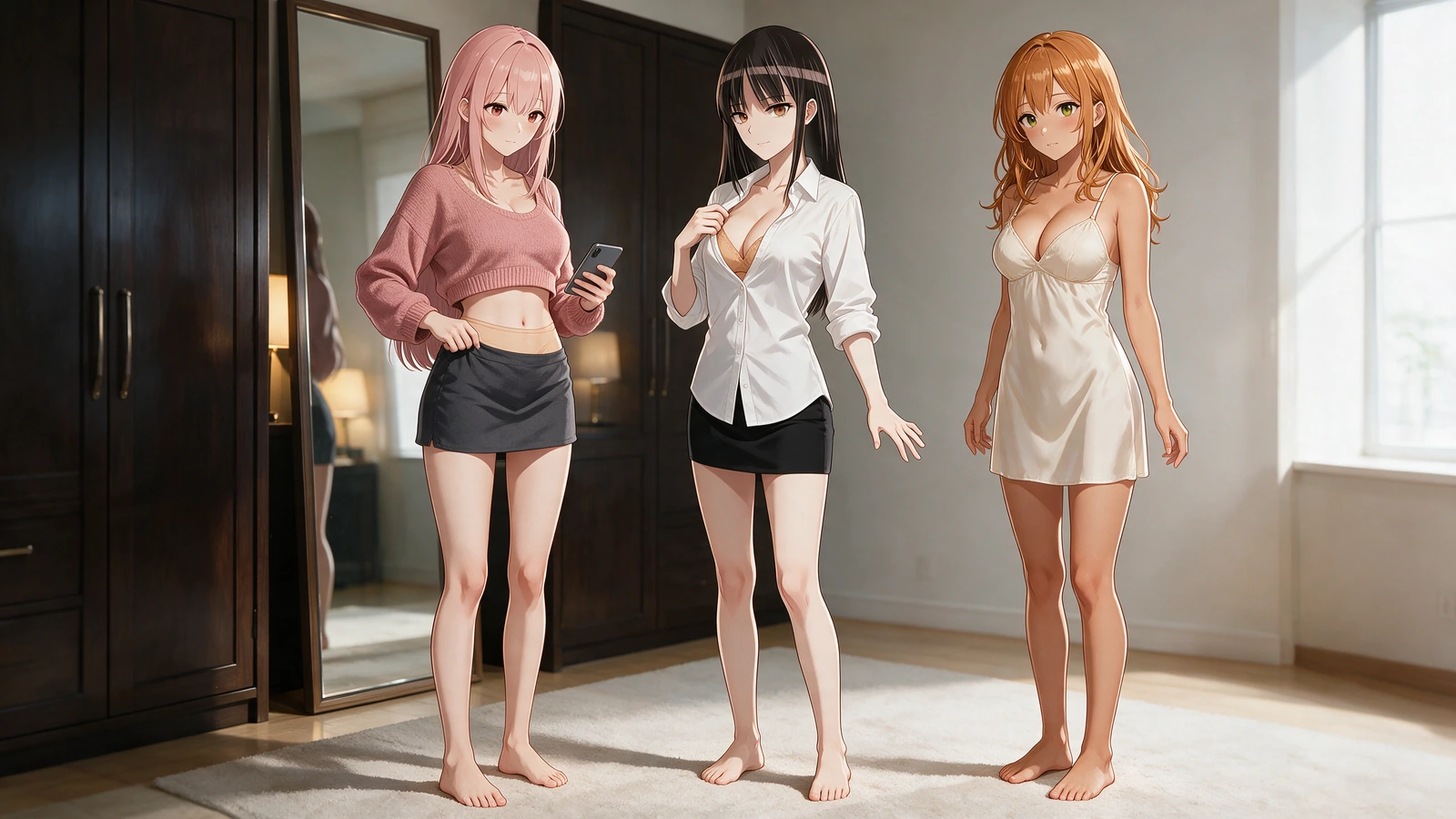
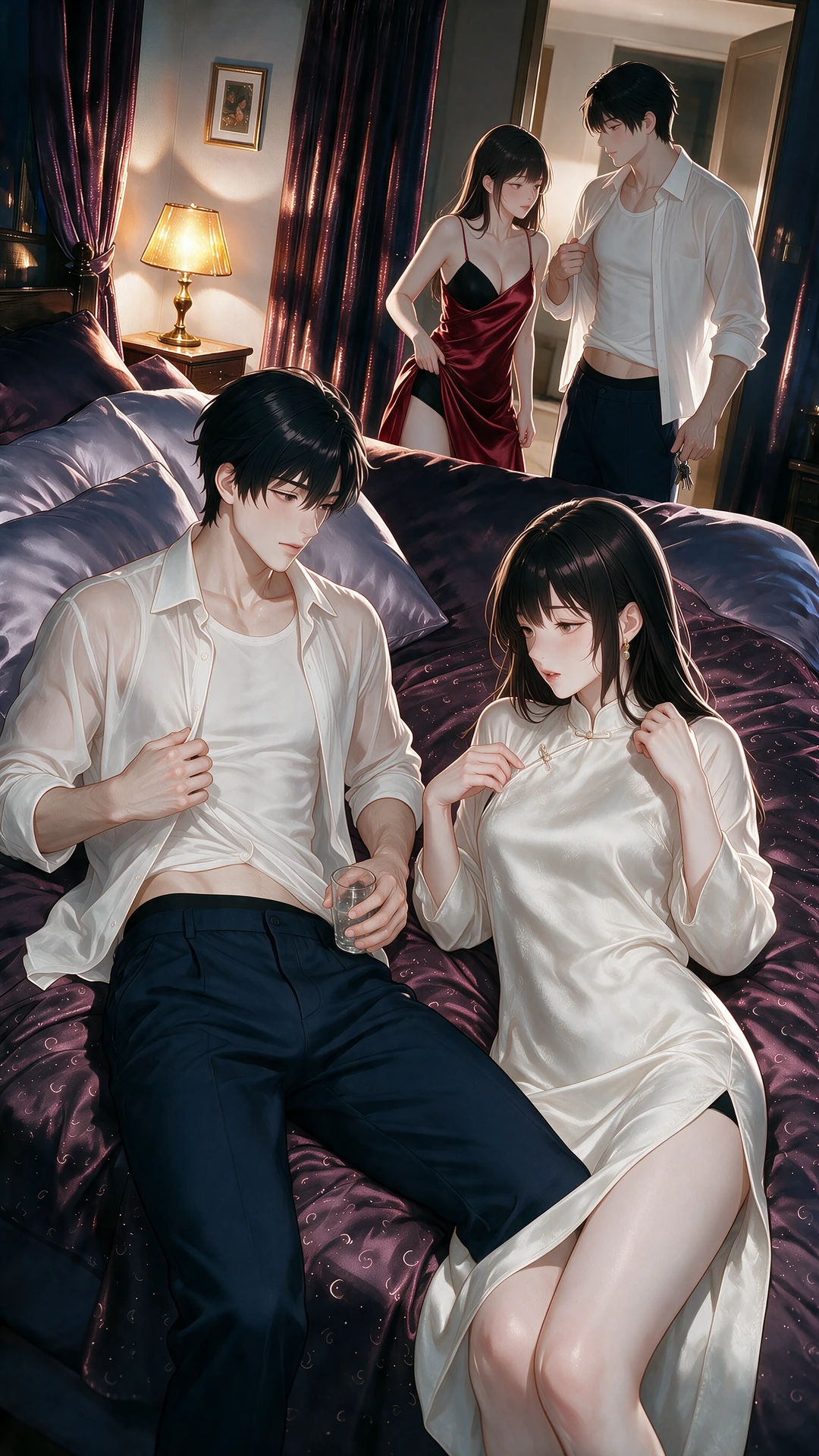
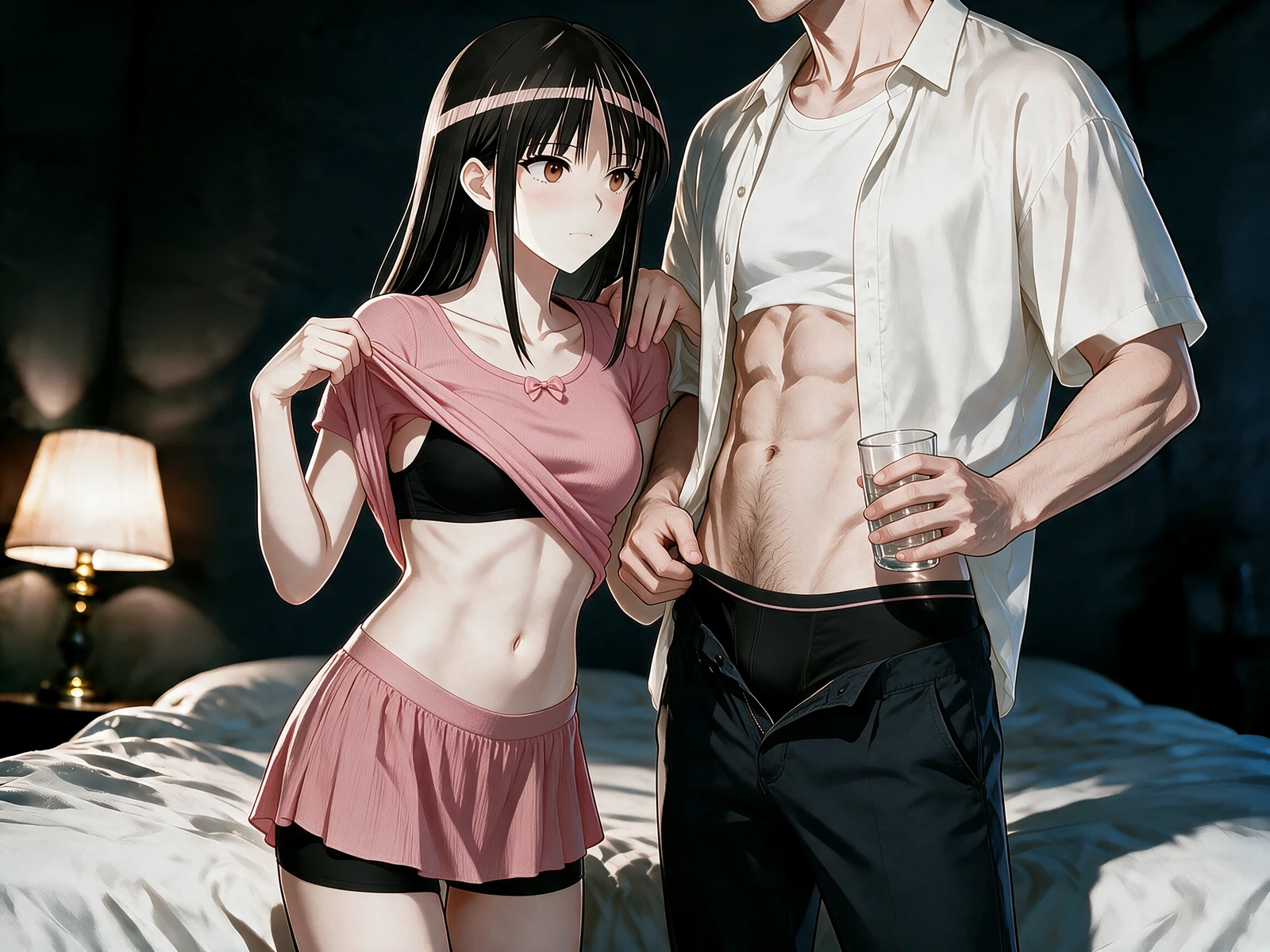
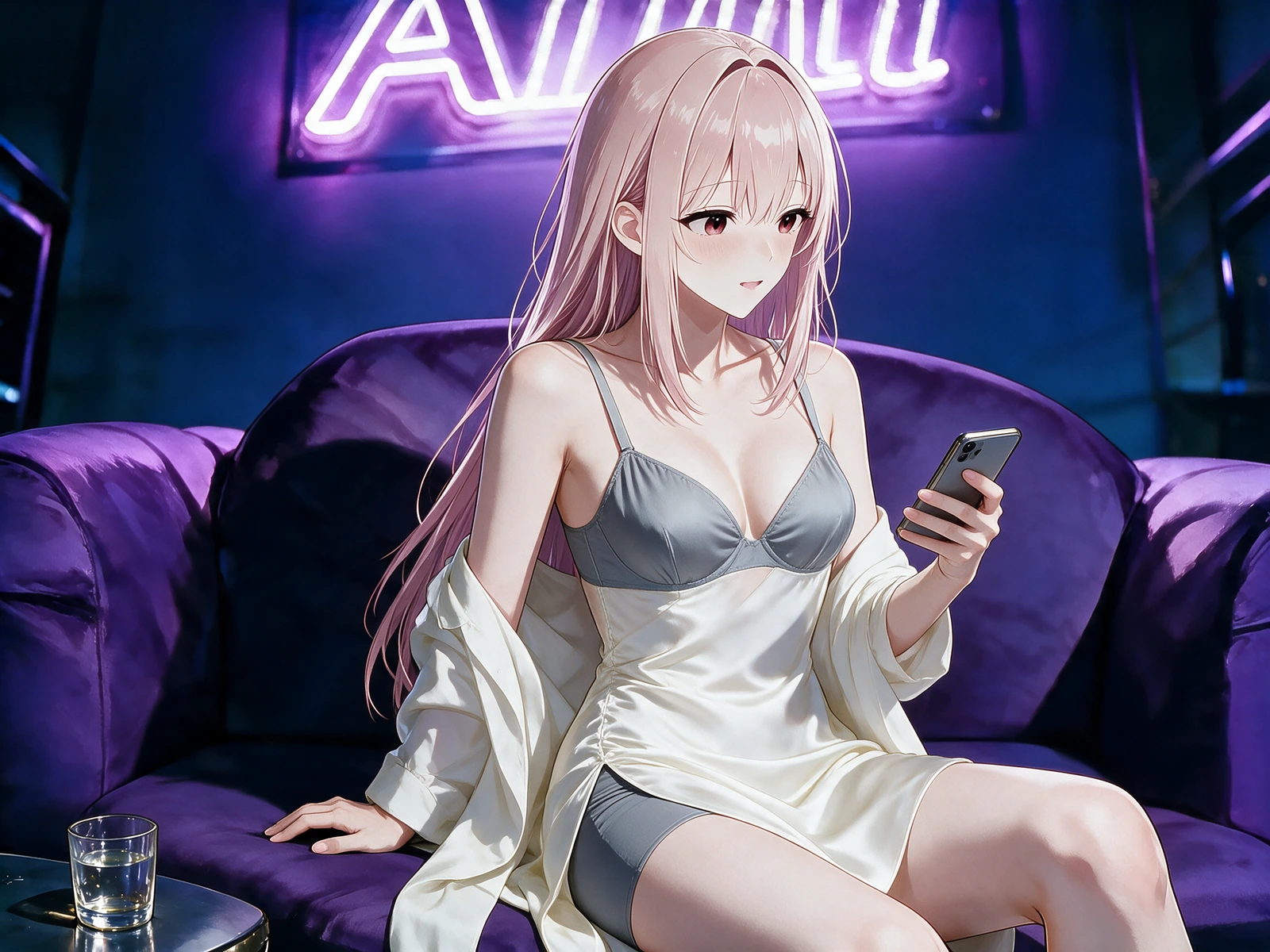
While reviewing an AI NSFW image generator result, look past surface polish and inspect the entire decision chain: identity, anatomy, exposure state, action clarity, hand placement, environment, light, and camera. A successful image feels composed at its edges and intentional at its focal point.
 Loading…
 Loading…
 Loading…
 Loading…
Frames with a readable center of gravity
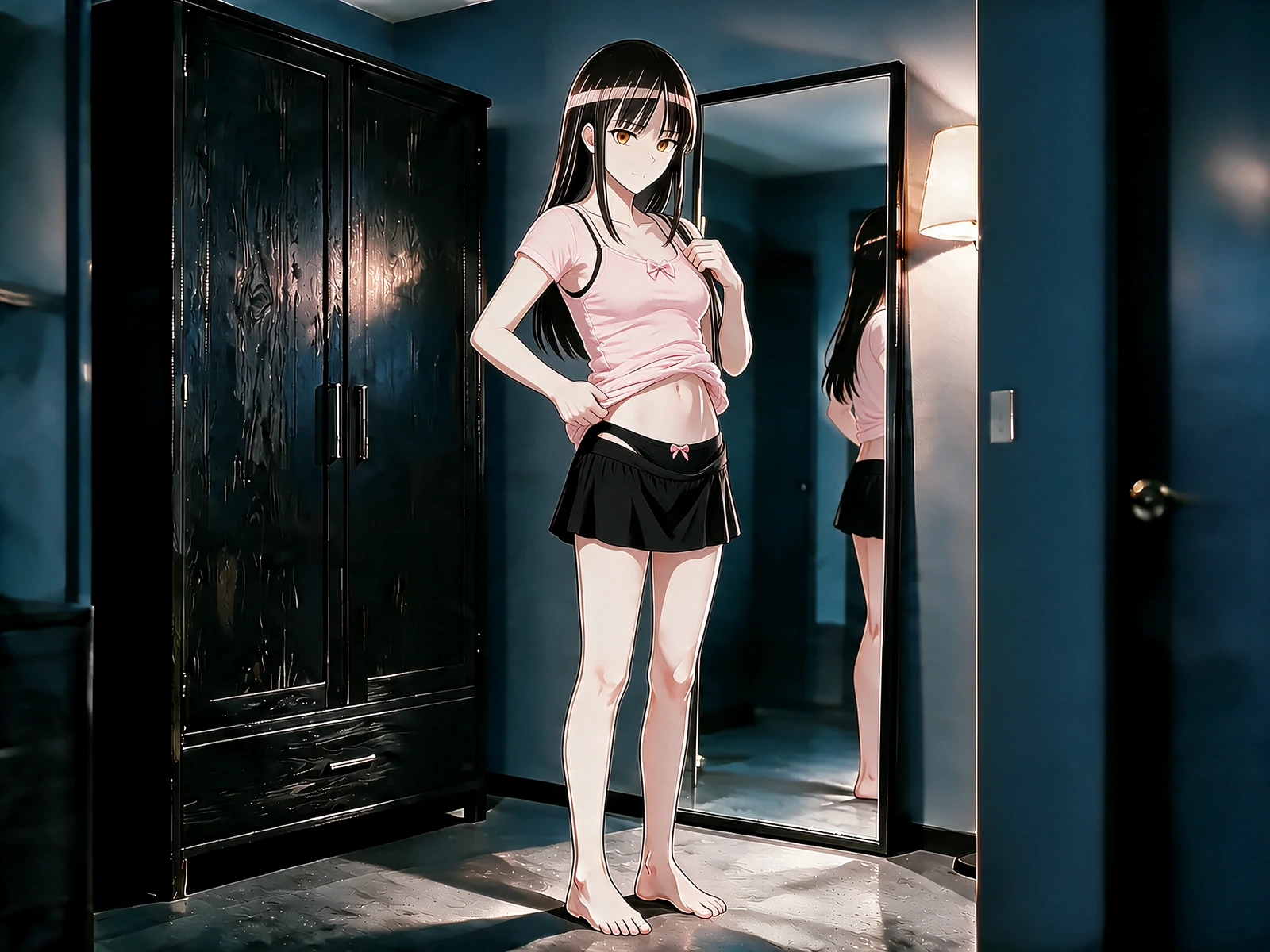
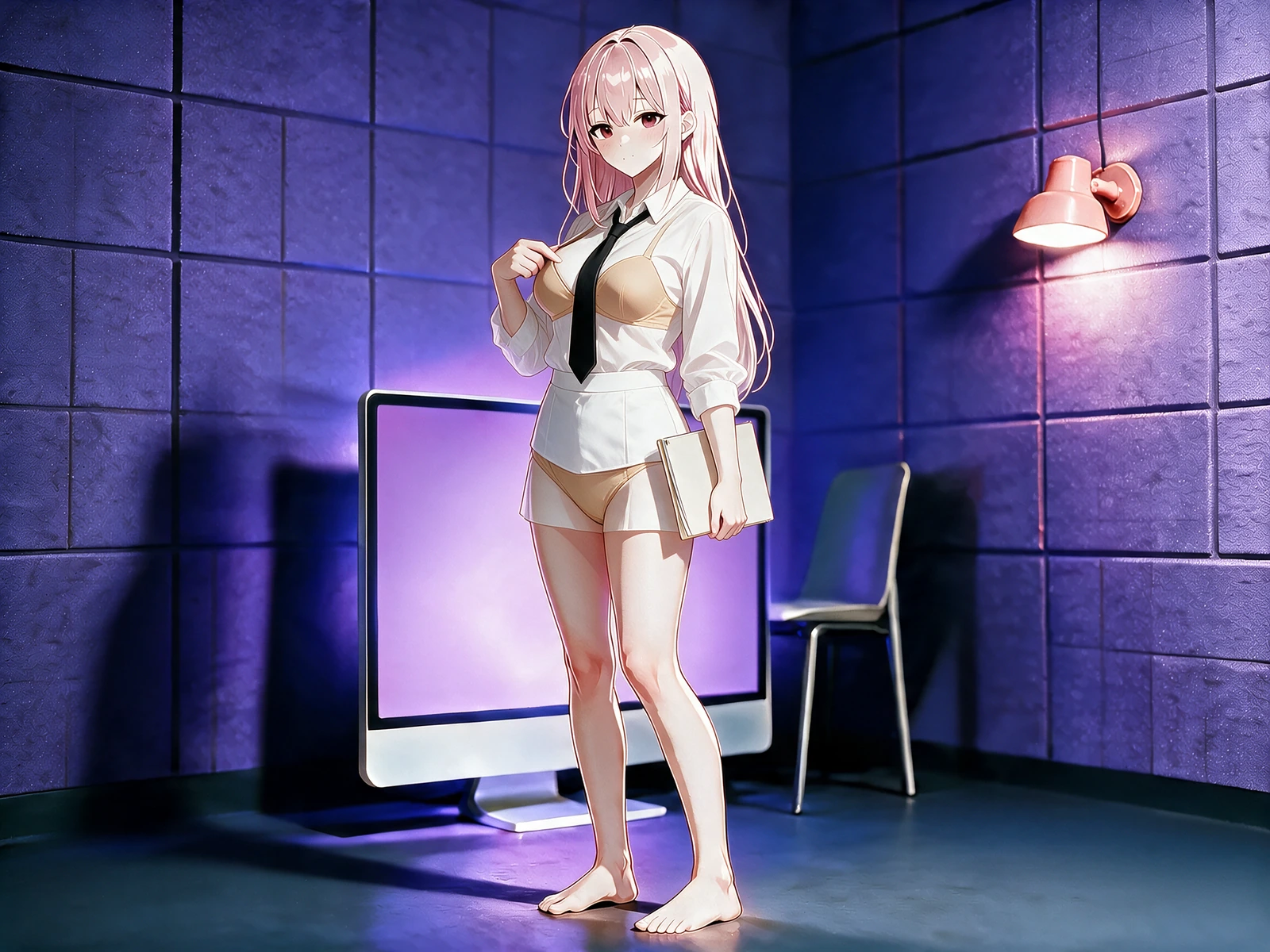
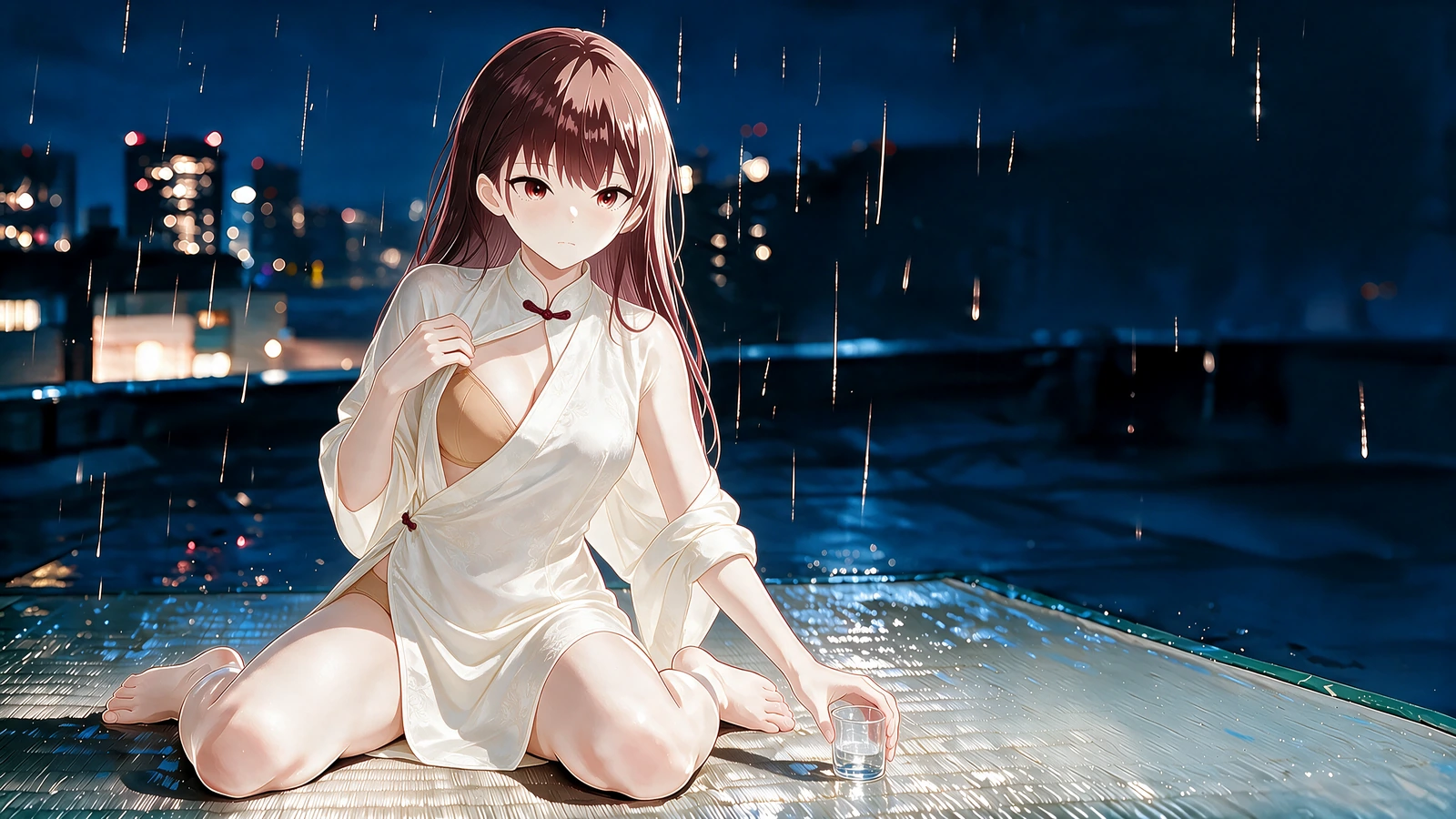
Across the AI NSFW image generator workflow, a glance across a shoulder, fabric paused mid-change, wet light on skin, or a pose held against the furniture can carry an entire adult beat when expression, body direction, and lens position all reinforce the same moment.
Cowgirl still to 12-second bedroom motion
This NSFW AI image example turns a nude cowgirl still into a 12-second riding sequence with readable penetration, hip rhythm, and a stable nude ending on a futon.
Solo lounge still to 12-second motion
A nude lounge recline with fingering becomes a 12-second solo masturbation clip with wet contact, breast touch, and violet practical lights held stable.
A bold finish with a stable identity
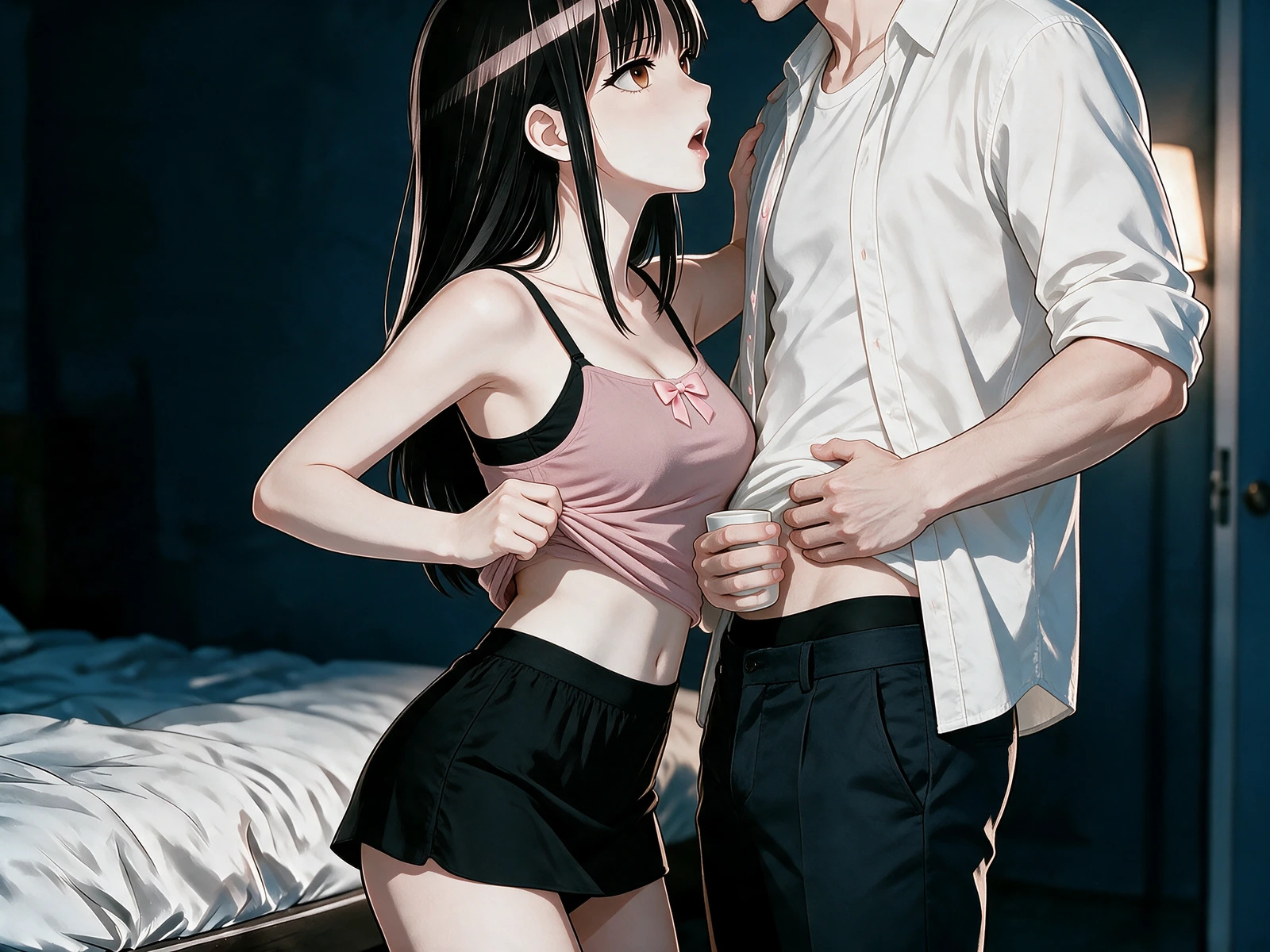
Increase contrast, gloss, texture, or graphic exaggeration while keeping the face, hair, proportions, palette, and defining wardrobe details recognizable from one version to the next.
 Loading…
A setting that directs attention
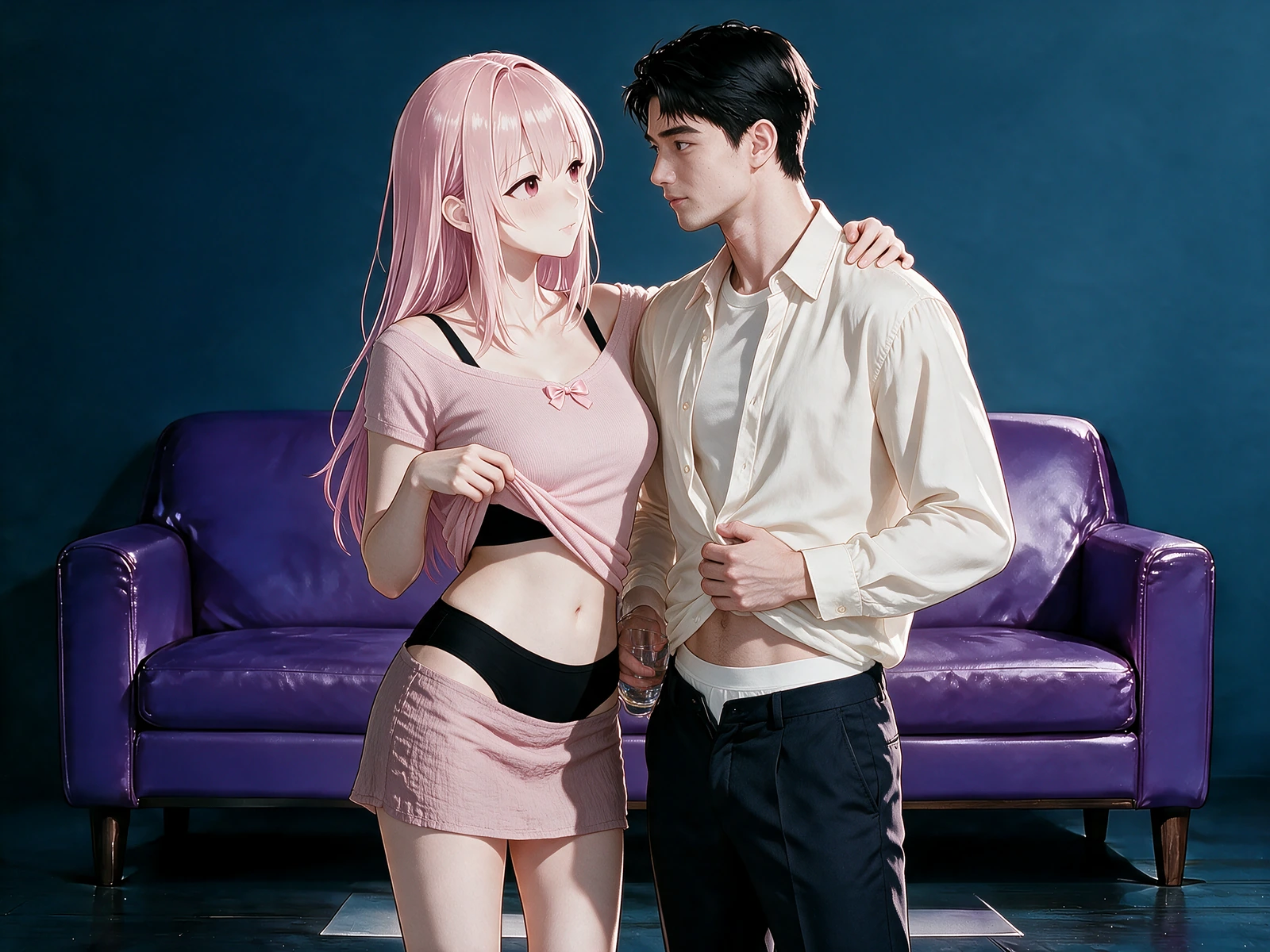
Use furniture, mirrors, water, fabric, practical lamps, and lens distance to organize how the eye reaches the body. The environment earns its place by sharpening the action and atmosphere.
 Loading…
A still begins with decisions, not decoration
For the AI NSFW image generator, the Create lane starts without source pixels, so the brief must carry the character, anatomy, exposure, action, setting, illumination, lens distance, and illustration language. The Edit lane begins with an uploaded image and divides the instruction into requested changes and details that cannot drift.
Inside the AI NSFW image generator workflow, both lanes lead to a single reviewed job. Dimensions, model, source preview, chosen presets, freeform direction, and preservation notes stay visible together, giving you a chance to resolve contradictions before submission.
Assemble the shot from subject to lens
When directing the AI NSFW image generator, move through the brief in a visual order. Establish identity and body design, describe the current clothing state, place the figure in a readable pose, define the action and contact, construct the room around that action, then choose lighting, viewpoint, crop, and finish. Named presets remain editable ingredients rather than hidden instructions.
Before submitting an AI NSFW image generator job, when revising a source, separate transformation from continuity. State exactly what should change, then list the face, hair, proportions, palette, pose geometry, background elements, or camera relationship that must remain. The final review should read like a compact art-direction sheet rather than a loose collection of adjectives.
A definitive adult character frame
For the AI NSFW image generator, turn an early character idea into one resolved image with a repeatable face, silhouette, palette, body design, signature wardrobe, and setting language that can guide future work.
Scene exploration before a sequence
Inside the AI NSFW image generator workflow, test distinct poses, room layouts, exposure states, emotional temperatures, and camera distances before choosing which visual beat deserves additional images or motion.
Targeted revision of an existing still
When directing the AI NSFW image generator, alter a garment, expression, location, lighting setup, or framing choice while explicitly protecting the source identity and every visible fact that should survive the edit.
An opening image prepared for animation
Before submitting an AI NSFW image generator job, resolve the subject, body placement, environment depth, and open space for movement so the video brief can begin from a purposeful composition rather than repair an uncertain one.
Four decisions between an idea and the final still
Choose whether pixels already matter
With the AI NSFW image generator, start in Create when the frame can be invented from language. Use Edit when an uploaded image contains identity, composition, or styling that the new result is required to preserve.
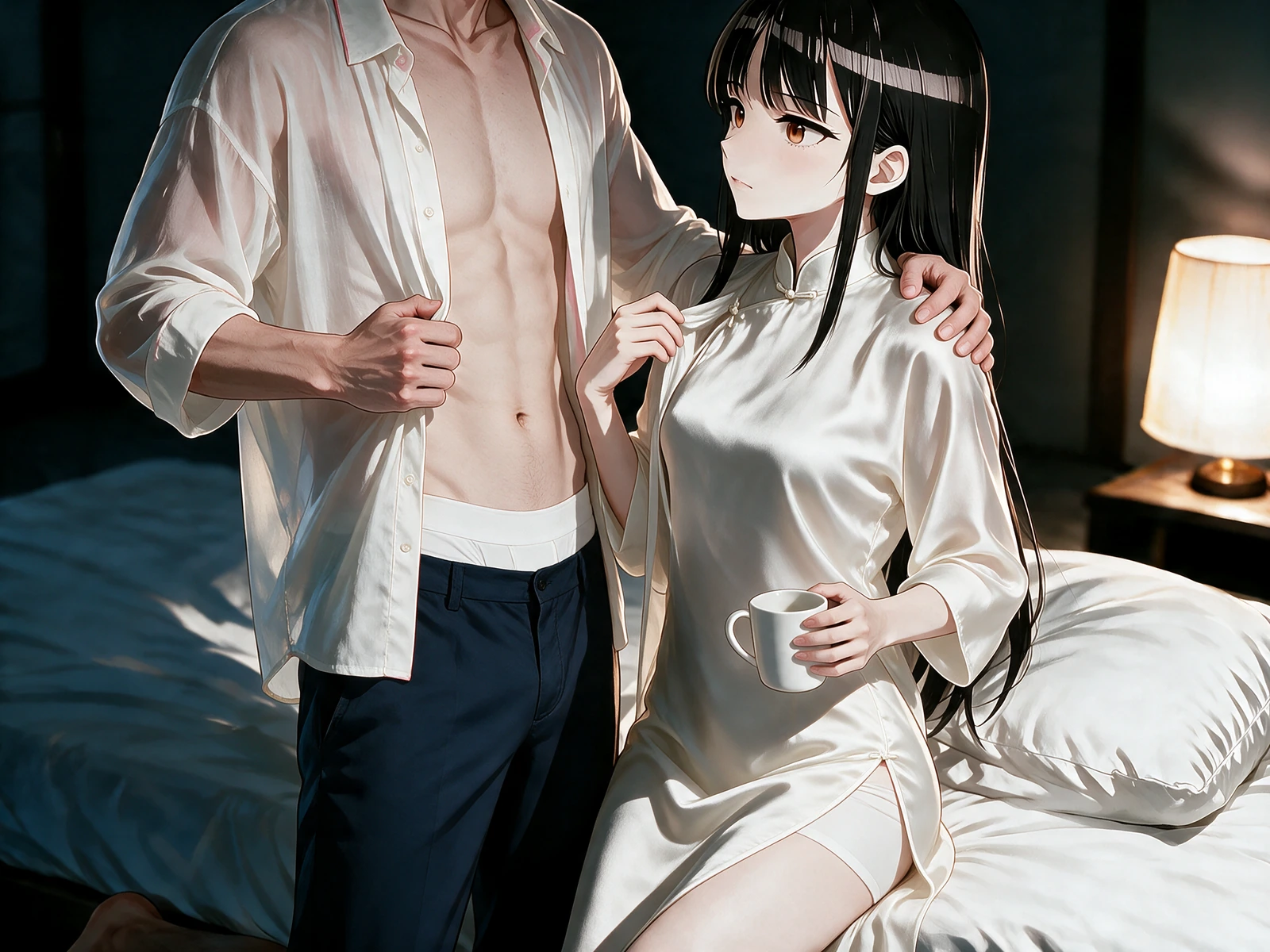 Loading…
Write the visual hierarchy
For a deliberate AI NSFW image generator result, define the character and exposure first, then action, contact, expression, environment, illumination, viewpoint, and rendering. Each detail should support the image's primary adult beat.
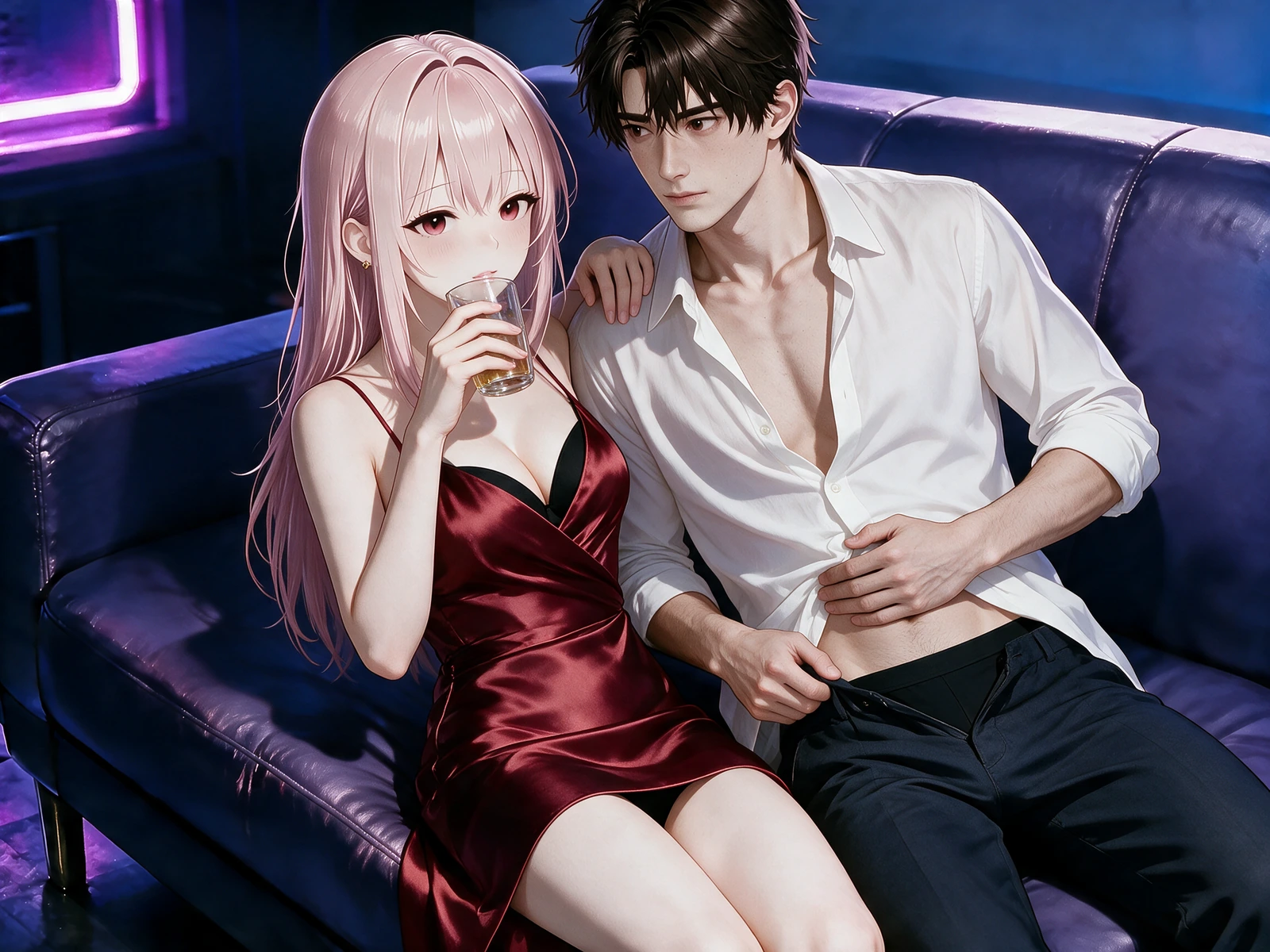 Loading…
Resolve conflicts in the review
Check the source preview, dimensions, selected controls, freeform direction, and preservation list together. Remove instructions that ask the same area of the frame to remain fixed and change simultaneously.
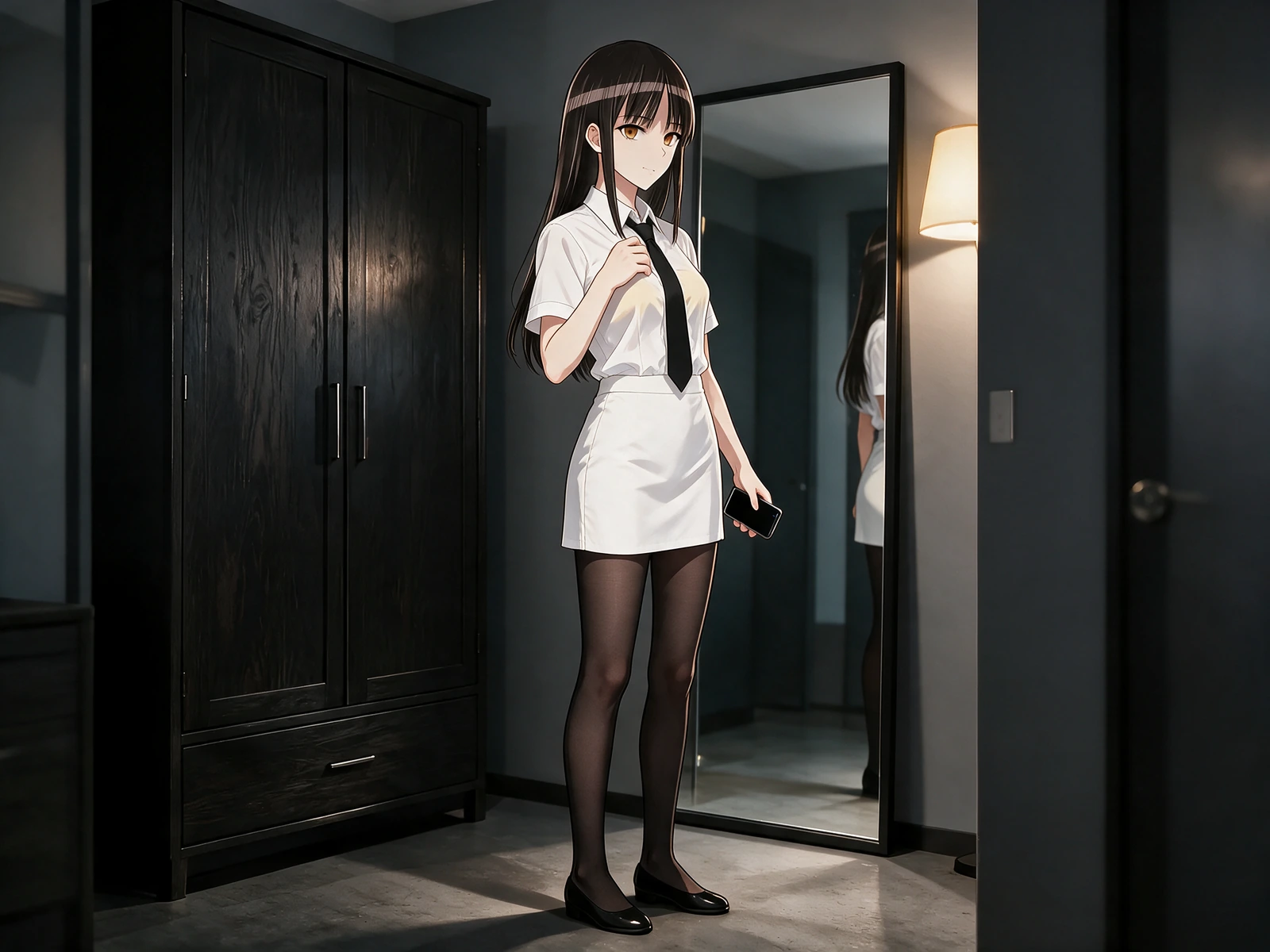 Loading…
Confirm one traceable image job
Submit the reviewed specification once and follow its recorded state in activity. Success returns the requested result; refusal or uncertainty remains visible rather than becoming a different, unapproved image.
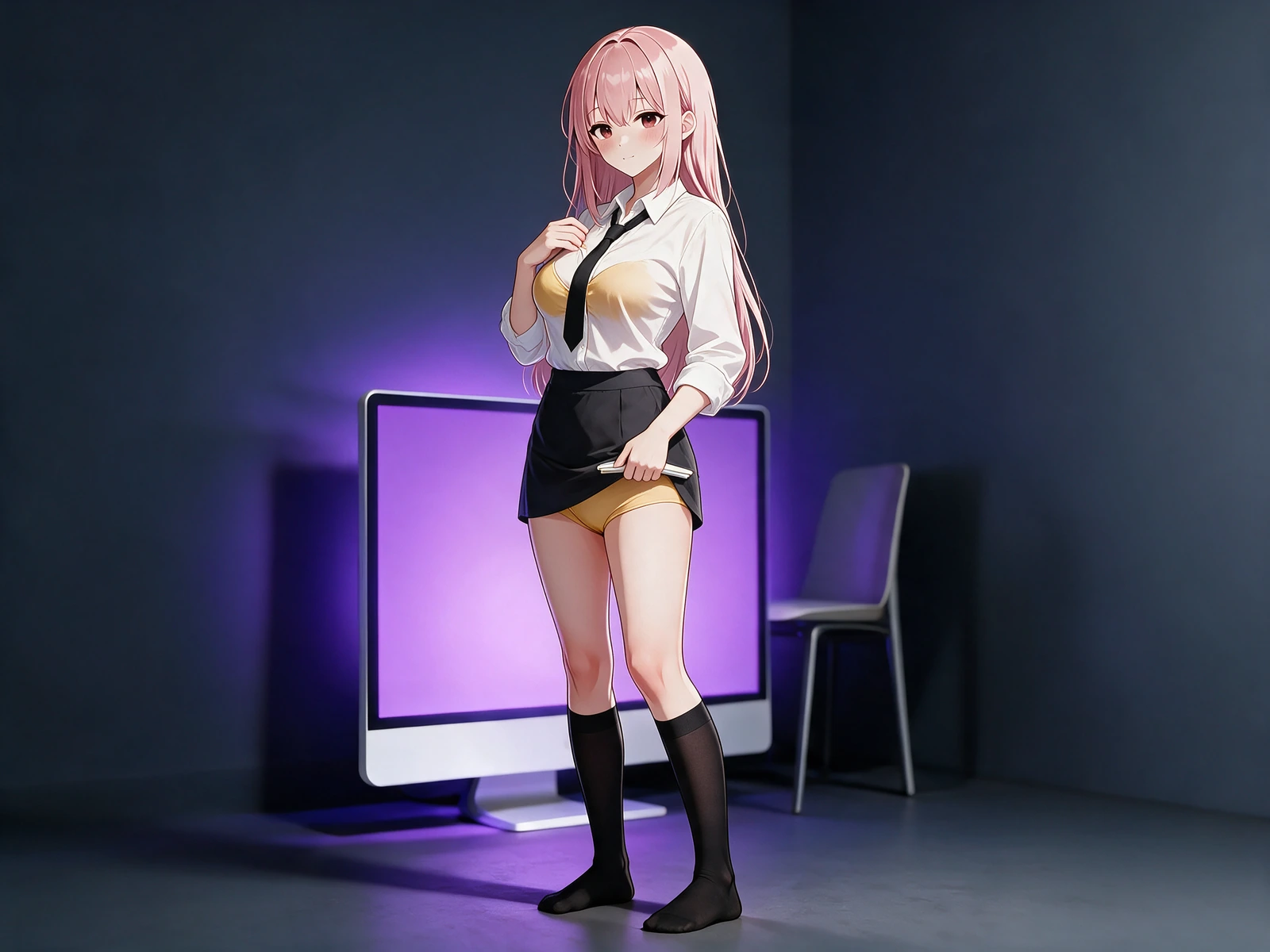 Loading…
Explore more on Yamete AI
Keep creating across Yamete AI — images, video, characters, and more features as the studio grows.
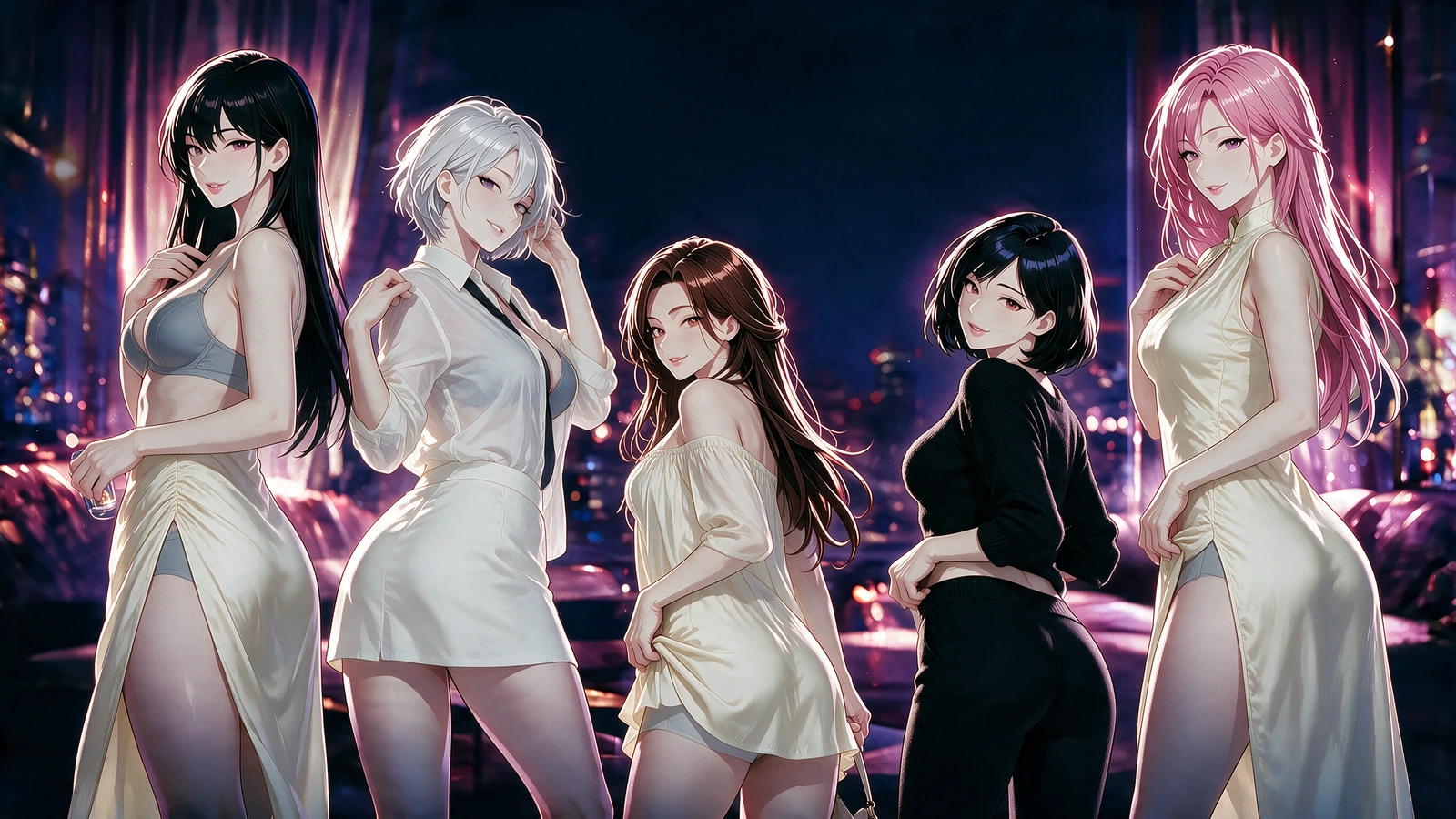
Loading…Create explicit anime and hentai images with prompt, pose, clothing, camera, and style control.
 Loading…
Use the Porn AI Video Generator for NSFW content to turn a first frame into explicit anime video with action, camera, duration, and sound control.
 Loading…
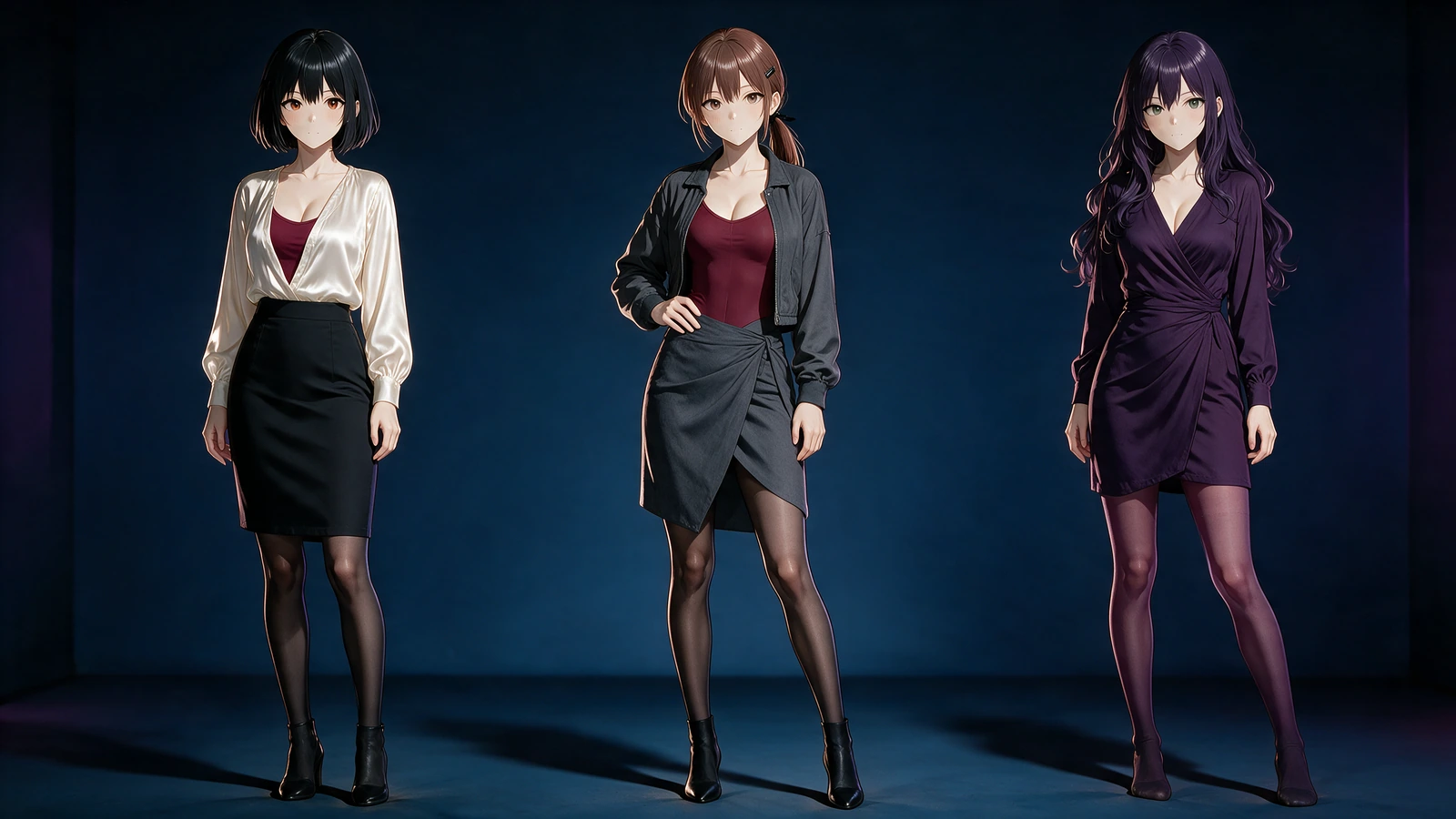
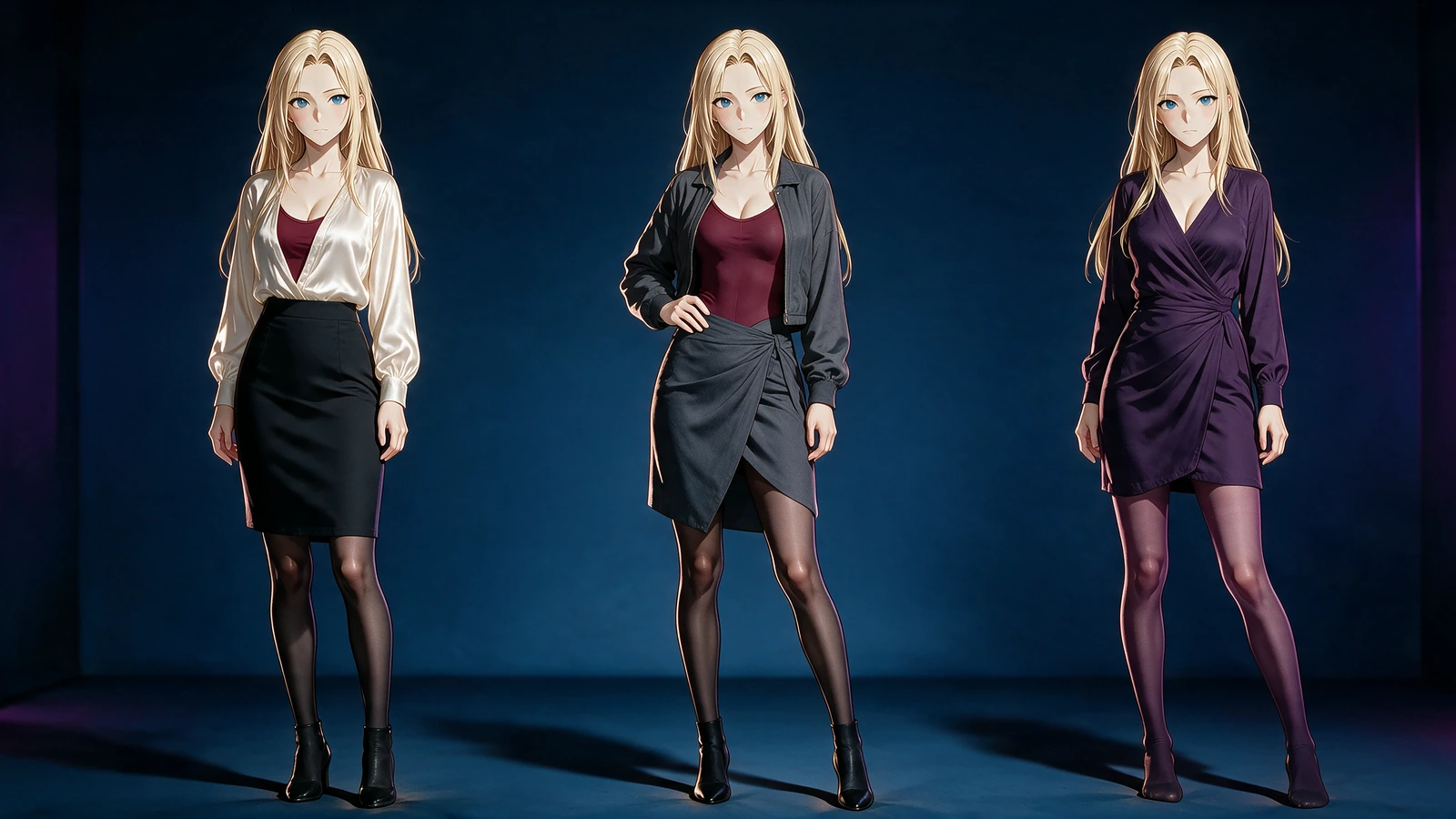
Create a reusable NSFW AI girlfriend profile and a 1024×1280 first portrait for later adult scenes.
 Loading…
 Loading…
Swap an anime face onto a source performance while preserving identity, motion, framing, and timing.
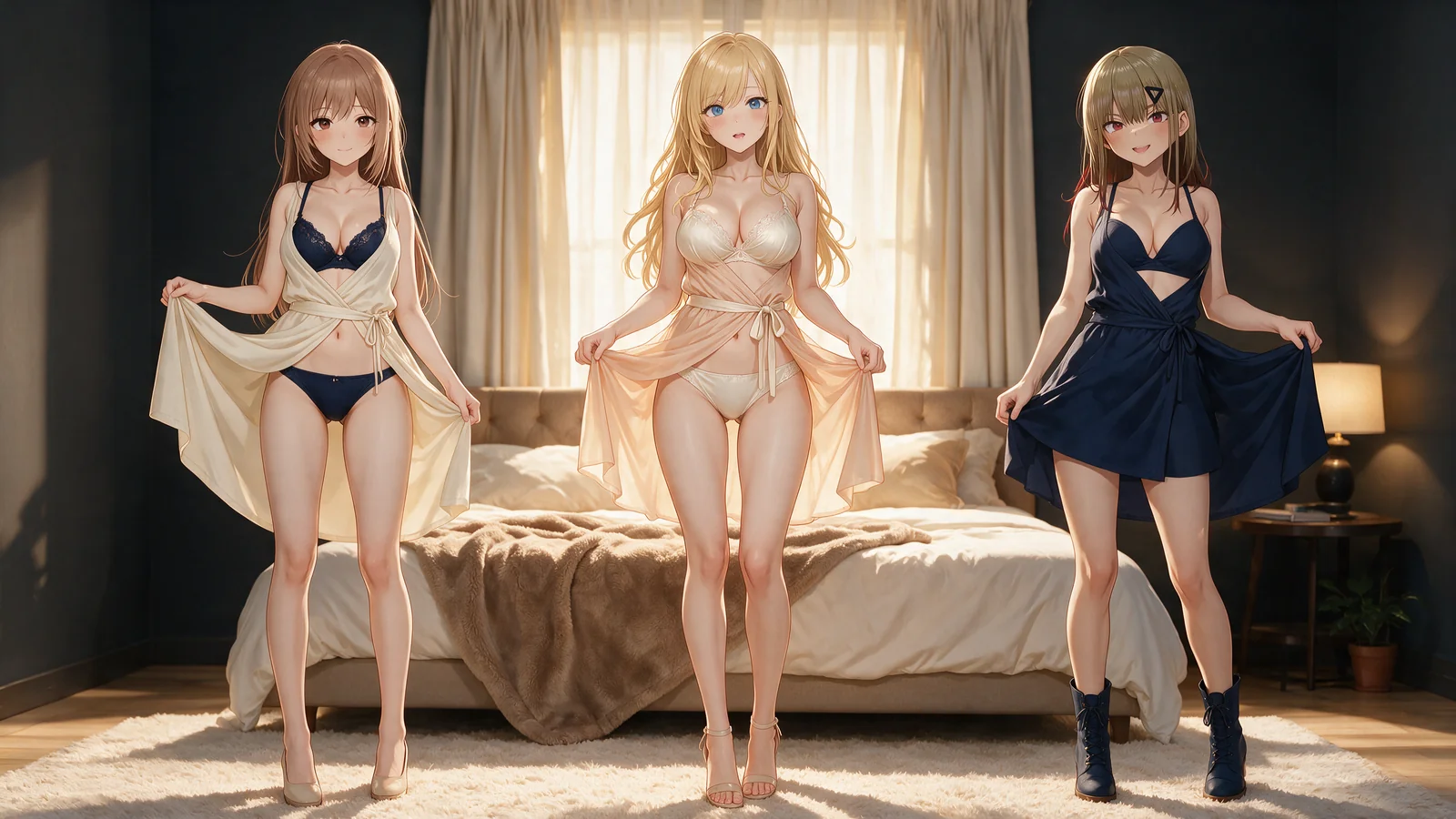 Loading…
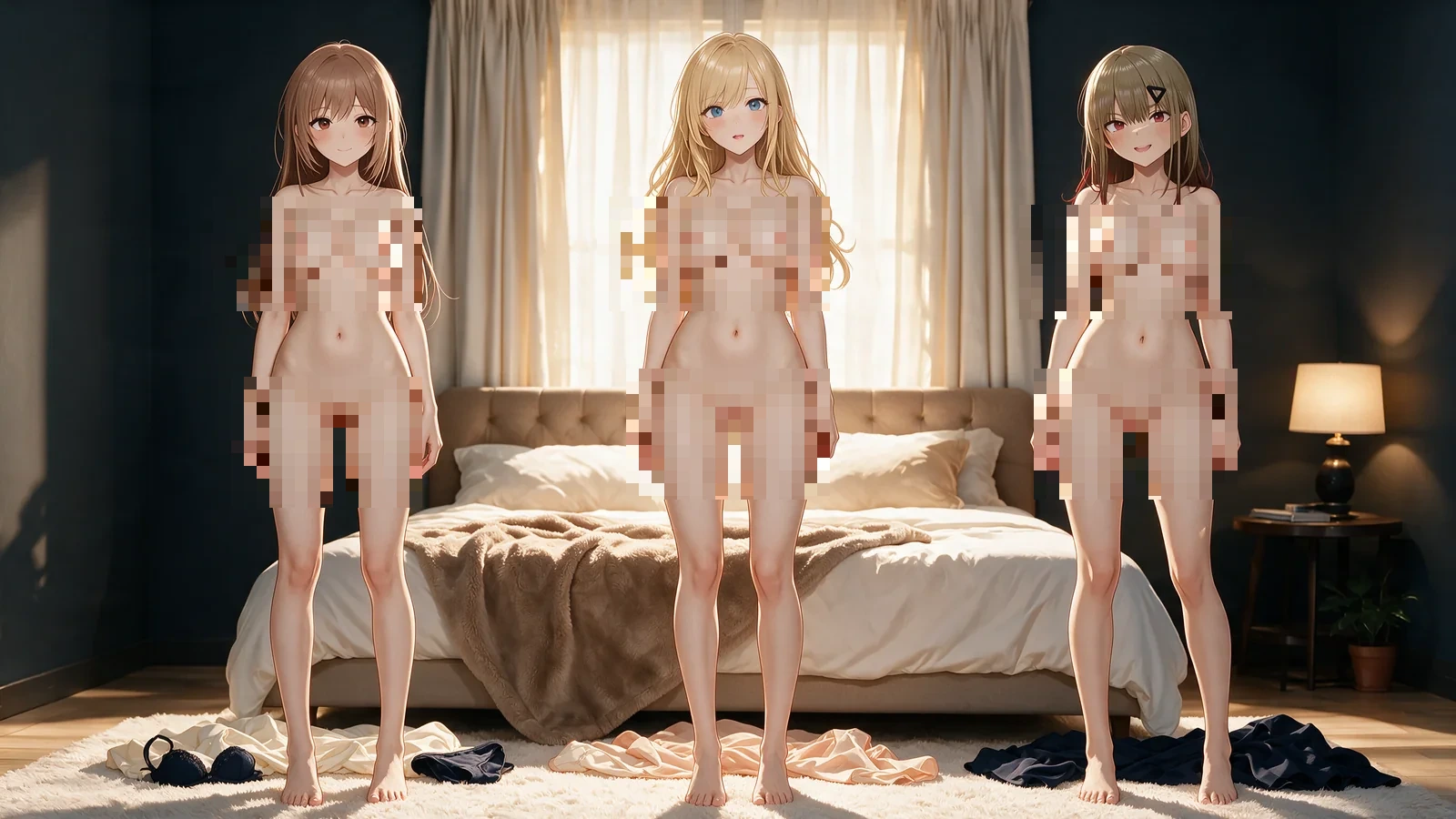 Loading…
Remove clothes in an image or video while preserving identity, body, pose, motion, and framing.
Frequently asked questions
01When should I begin with Create instead of Edit?
Choose Create when language can define the entire shot. Choose Edit when a supplied image already contains identity, pose, palette, environment, or composition that must remain recognizable in the revision.
02What should an AI NSFW image generator brief contain?
State the character, anatomy, exact clothing or nude state, pose, action geometry, expression, setting, light source, camera distance, viewpoint, and rendering direction. Concrete visual relationships are more useful than broad quality claims.
03How do I stop a source edit from redesigning the subject?
Use the preservation field to identify the face, hair, proportions, palette, accessories, body placement, lens relationship, or background elements that cannot change. Keep the requested transformation in a separate instruction.
04Are presets hidden prompt additions?
No. They remain visible selections that organize the brief. You can change them, review the resulting setup, and decide whether to submit; choosing a preset alone does not start generation.
05How are editorial boards different from generated results?
Editorial boards explain composition, continuity, and art direction. They are not presented as personal jobs. Generated examples are identified separately where the page displays verified output media.
06What makes a still useful as a future video opener?
The subject should be complete and readable, the environment should provide depth, and the framing should leave room for the intended body or camera movement. Upload that finished still as the video's first frame.
07Will a failed request be rewritten automatically?
No. A refused or unresolved image job keeps its real status. Yamete AI does not silently change the requested workflow, submit a softened replacement, or label substitute media as the approved result.
08Can I prepare the shot before signing in?
You can inspect the workspace and assemble the visual direction first. Account-bound saving and confirmed generation require sign-in. A completed still can later become a video opener, a face-swap source, or the basis of another Yamete AI scene.
Direct the entire frame before the first pixel changes.
Use the AI NSFW image generator to choose Create or Edit, resolve the subject and explicit adult action, set the exposure state, environment, light, lens, and finish, then confirm one visible specification for the still you intend to keep.
Compose the image